

HDMI Cable Color Code: What Each Wire Actually Does
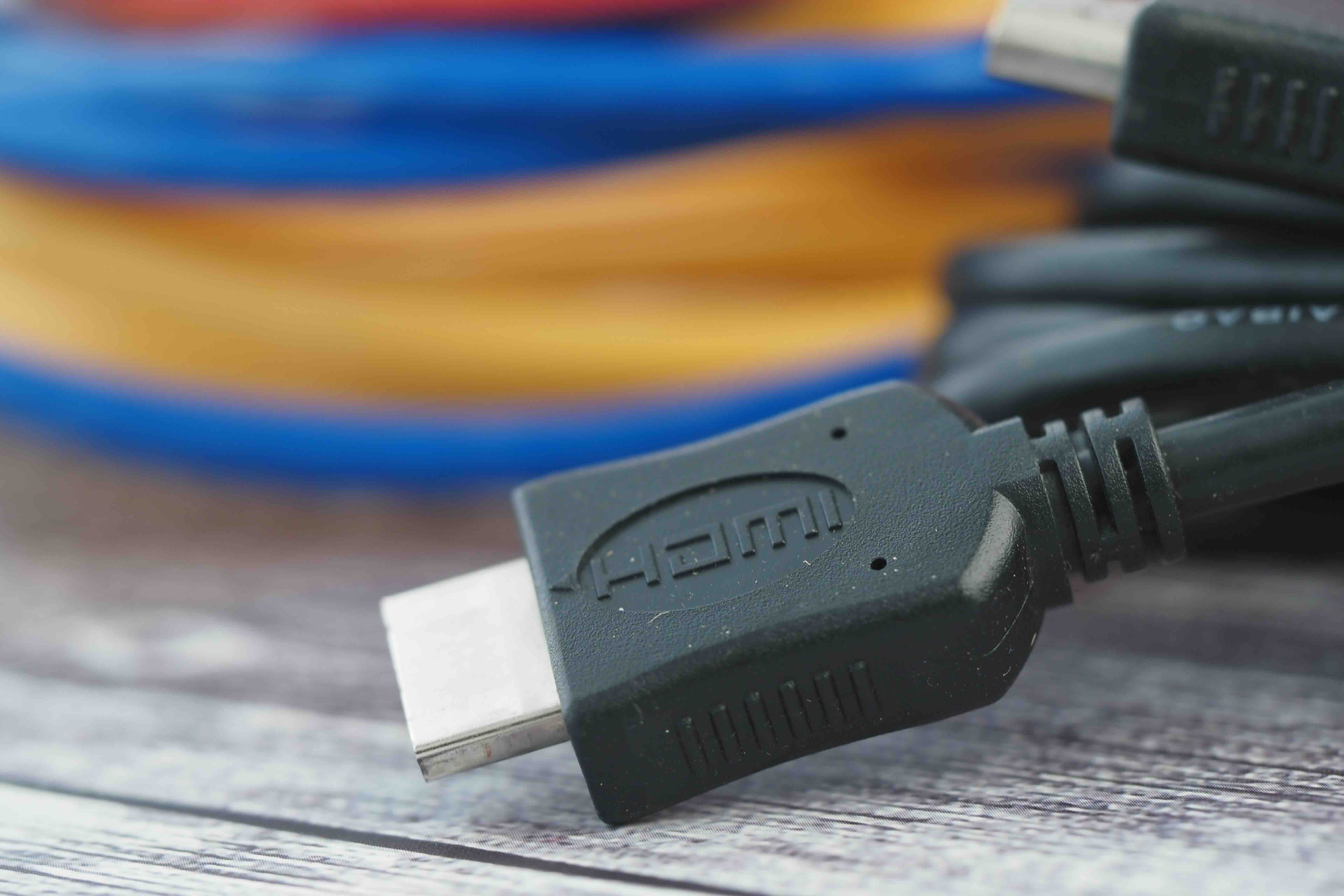
What Is an HDMI Cable Color Code and Why Does It Matter?
If you have ever cracked open an HDMI cable or dug into a wiring diagram, you have probably noticed a cluster of tiny wires inside, each wrapped in a different color. That is the HDMI cable color code, and it is not just decorative. Each color corresponds to a specific signal channel, and together they work as a team to carry the audio, video, and data that make your screen come alive. Understanding what those colors mean is genuinely useful whether you are a home theater enthusiast, an AV integrator, or someone troubleshooting a display issue at 11pm and wondering why their 4K TV is showing a flickering mess. It matters more than people think.
Inside the Cable: The Basic Wire Structure of HDMI
Standard HDMI cables use twisted pair wiring internally. Each twisted pair carries a differential signal, which is a method that helps reject electrical noise and maintain signal integrity over distance. The internal wires are color-coded to identify each pair and its function. While the exact colors can vary slightly between manufacturers, a standard HDMI cable typically contains 19 pins worth of signal paths, and the internal wiring generally follows a consistent pattern across the industry. The key pairs carry TMDS data channels, which stand for Transition Minimized Differential Signaling. That is the core technology behind how video and audio data travel from your source to your display. Get one wire crossed or damaged, and the whole signal path falls apart.
HDMI Color Code Breakdown: What Each Wire Does
Here is where it gets practical. Inside most standard HDMI cables, the internal conductor colors map to specific channels. The layout typically includes:
- Red and Red-White: TMDS Data2+ and Data2- (Channel 2 positive and negative)
- Green and Green-White: TMDS Data1+ and Data1- (Channel 1 positive and negative)
- Blue and Blue-White: TMDS Data0+ and Data0- (Channel 0 positive and negative)
- Yellow or Brown: TMDS Clock+ (the timing signal)
- Yellow-White or Brown-White: TMDS Clock- (clock signal return)
- Orange: +5V Power
- Black or Bare: Ground
- Purple: Consumer Electronics Control (CEC)
- White or Gray: DDC Clock (SCL line for EDID communication)
- White-Black or Gray-Black: DDC Data (SDA line for EDID communication)
- Pink or Light Blue: Hot Plug Detect
Not every cable uses identical colors. Some manufacturers deviate slightly, which is why referencing the HDMI specification and a proper pinout diagram is always the smarter approach over guessing. That said, the functional roles of these conductors remain consistent regardless of color variation.
TMDS Channels: The Backbone of HDMI Signal Transmission
The three TMDS data channels handle the actual video content. Each channel carries a portion of the image data. Channel 0 typically carries the blue color component along with audio data. Channel 1 carries the green component. Channel 2 carries the red component. The clock channel synchronizes all three so the display can reconstruct the image accurately in real time. This differential signaling approach is what allows HDMI to push high bandwidth signals over relatively thin cables without collapsing under interference. It is a well-engineered system, honestly, and it scales cleanly from basic 1080p all the way up to 8K with the right cable spec.
The Role of CEC, DDC, and Hot Plug Detect Wires
Beyond video and audio, HDMI cables carry several ancillary signals that make the connected device experience feel seamless. CEC, carried on a dedicated wire, allows devices to talk to each other, so your TV remote can control a connected Blu-ray player or soundbar. DDC lines handle EDID communication, which is how a display tells the source device what resolutions and audio formats it supports. Without a functioning DDC path, your source device cannot negotiate the right output settings. Hot Plug Detect tells the source that a display has been connected or disconnected. These wires may seem minor, but if any one of them is compromised, strange things start happening. Devices that do not auto-switch, resolutions that refuse to go above 1080p, remotes that stop controlling connected gear. These are classic symptoms of DDC or CEC wire failure.
HDMI Versions and How Cable Spec Affects Performance
The color code does not change between HDMI versions, but what the cable is engineered to carry absolutely does. Standard HDMI cables handle up to 4.95 Gbps. High Speed cables push that to 10.2 Gbps, enabling 4K at 30Hz. Premium High Speed cables support up to 18 Gbps, covering 4K at 60Hz with HDR. Ultra High Speed cables, certified for HDMI 2.1, support up to 48 Gbps for 8K/60Hz and 4K/120Hz with features like Variable Refresh Rate and enhanced Audio Return Channel. The physical wiring color code is consistent, but the conductor gauge, shielding quality, and signal conditioning inside the cable vary significantly. Choosing the wrong spec for your setup can bottleneck performance even if the cable looks identical from the outside.
Common Problems Caused by Damaged or Poorly Made HDMI Cables
A lot of HDMI frustration traces back to cable quality. Damaged or underspec cables cause issues including:
- Flickering or sparkling on screen, often caused by a failing clock pair
- Dropped audio channels resulting from a compromised TMDS Channel 0
- No signal detection, typically a Hot Plug Detect wire failure
- Handshake errors and HDCP authentication failures from degraded DDC conductors
- Inability to pass HDR or Dolby Vision metadata due to insufficient bandwidth
- CEC control failures that make smart device integration unreliable
The fix in most cases is a cable replacement with a properly rated and certified option. It sounds obvious but it gets overlooked constantly.
Practical Tips for Choosing the Right HDMI Cable
Buying an HDMI cable is not complicated if you know what to look for. Match the cable spec to your equipment and use case. If you are running a gaming console that supports 4K/120Hz, you need an Ultra High Speed certified cable. If you are connecting a streaming stick to a standard 4K TV, a Premium High Speed cable does the job cleanly. Check for certification labels from HDMI.org, which verifies the cable has been tested to meet the published specification. For longer runs above 15 to 20 feet, consider active HDMI cables that include signal amplification built in. And always check the connectors. A poorly terminated HDMI connector can interrupt one or more internal conductors and cause exactly the kind of signal issues described above, even if the rest of the cable is fine.
Why Monoprice Is the Right Choice for HDMI Cables That Deliver
Here is the thing. Once you understand what is actually happening inside an HDMI cable, the idea of overpaying for a flashy retail brand starts to feel pretty unnecessary. Monoprice has spent years building cables that meet or exceed the published HDMI specifications at prices that make sense for both individual buyers and bulk procurement teams. Whether you need a single 6-foot Premium High Speed cable for a home theater setup or a case of Ultra High Speed cables for a commercial AV installation, the lineup is deep and the quality holds up. Every relevant cable is certified and tested, not just labeled with a number and shipped out the door. For anyone sourcing HDMI cable solutions that balance performance, reliability, and real-world value, browsing the full selection at Monoprice HDMI cables for 4K 8K and High Speed AV connections is one of the smarter moves you can make. The confidence comes from the specs, the certifications, and a track record that AV integrators and home users keep coming back to.
Frequently Asked Questions About HDMI Cable Color Codes
What do the colored wires inside an HDMI cable represent?
Each colored wire inside an HDMI cable corresponds to a specific signal channel, including TMDS data pairs for video, a clock pair for synchronization, power and ground conductors, and control signal wires for CEC, DDC, and Hot Plug Detect communication.
Are HDMI cable wire colors standardized across all manufacturers?
The functional pinout is standardized by the HDMI specification, but the internal wire colors can vary slightly between manufacturers. Always reference a pinout diagram rather than relying on color alone when working with a specific cable.
What happens if a TMDS wire inside an HDMI cable is damaged?
A damaged TMDS data or clock wire typically causes visible picture artifacts such as flickering, sparkling dots, color dropout, or complete signal loss depending on which conductor is affected.
What is the TMDS clock wire responsible for in an HDMI cable?
The TMDS clock wire synchronizes the three TMDS data channels so the receiving display can reconstruct the video signal accurately. Without a functional clock signal, the image cannot be decoded properly.
Why does my TV not recognize the correct resolution when using an HDMI cable?
This is usually a DDC communication failure. The DDC lines carry EDID data between the source and the display. If those wires are compromised, the source device cannot read what the display supports and may default to a lower resolution output.
Does the HDMI cable color code change between HDMI 2.0 and HDMI 2.1?
No. The internal wire color code does not change between HDMI versions. What changes is the cable construction quality, conductor gauge, shielding, and bandwidth capability required to support higher data rates like the 48 Gbps needed for HDMI 2.1.
What is the CEC wire in an HDMI cable used for?
The CEC wire enables Consumer Electronics Control, which allows connected devices to communicate with each other over HDMI. This is what makes it possible to control a Blu-ray player or soundbar using a single TV remote.
How do I know if my HDMI cable supports 4K or 8K?
Check the cable certification. Premium High Speed cables support 4K at 60Hz with HDR. Ultra High Speed cables certified for HDMI 2.1 support 4K at 120Hz and 8K at 60Hz. Look for the official certification label from HDMI.org to confirm the rating is verified.
Can a cheap HDMI cable affect audio quality?
Yes. HDMI Channel 0 carries audio data alongside blue color information. If that pair is degraded or poorly shielded, audio dropouts, channel loss, or complete audio failure can result even when the video signal appears normal.
Is it safe to repair an HDMI cable by splicing wires?
It is generally not recommended. HDMI cables use differential signaling that is extremely sensitive to impedance changes and physical disruption. A spliced or repaired cable almost always introduces signal degradation. Replacing the cable with a certified option is the reliable solution.


