

HDMI 2.1 Explained: Features, Benefits, and What You Need
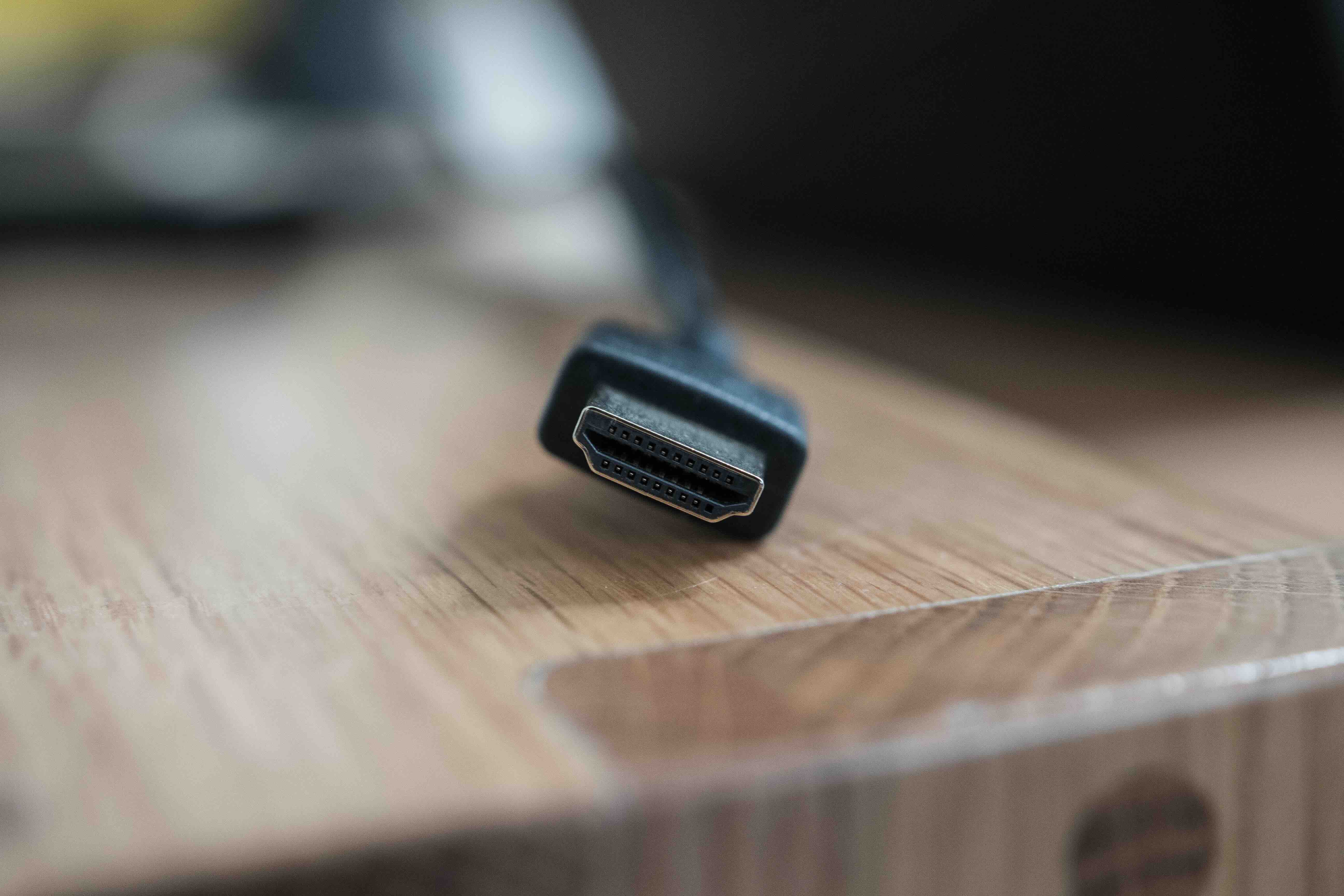
What Is HDMI 2.1 and Why Does It Matter for Your Setup?
If you have spent any time researching televisions, monitors, or home theater equipment recently, you have probably come across the term HDMI 2.1 more than a few times. It shows up in product listings, spec sheets, and review articles constantly, but the actual explanation of what it means and why it matters tends to get buried under a pile of technical language that most people do not have time to decode. So here is the straightforward version. HDMI 2.1 is the latest major version of the HDMI specification, and it represents a genuinely significant leap forward in what a single cable connection can actually do. Higher resolutions, faster refresh rates, more bandwidth, smarter audio routing -- it covers a lot of ground. Whether you are building a gaming setup, upgrading a home theater, or speccing out a professional AV installation, understanding HDMI 2.1 is worth your time.
A Quick History: How We Got Here
HDMI has been around since 2002, and it went through several incremental updates before reaching version 2.1. HDMI 1.4 was the standard that most people knew for years -- it handled 1080p and basic 4K, but had limitations. HDMI 2.0 improved things meaningfully, adding support for 4K at 60Hz and HDR, which made it the standard for 4K content delivery for quite a while. But the demands on display technology kept growing. Gaming consoles pushing 4K at 120 frames per second, 8K televisions entering the consumer market, and increasingly complex audio formats all created pressure on what the existing standard could handle. HDMI 2.1, introduced by HDMI Forum in 2017 and now widely adopted across devices, was the answer to all of that. It did not just iterate on what existed -- it rebuilt the ceiling.
What Makes HDMI 2.1 Different: The Bandwidth Story
The most fundamental difference between HDMI 2.1 and its predecessors is raw bandwidth. HDMI 2.0 maxed out at 18 Gbps. HDMI 2.1 raises that to 48 Gbps -- nearly three times as much. That is not a marketing number. That additional bandwidth is what makes everything else in the spec possible. Without it, higher resolutions at higher frame rates simply cannot move through the connection cleanly. It is like upgrading from a two-lane road to a six-lane highway. The traffic flows differently, and the congestion that previously caused problems disappears. For the end user, that translates directly into sharper images, smoother motion, and more detailed content delivered without compromise.
Key Features of HDMI 2.1 Explained
There are several capabilities bundled into the HDMI 2.1 specification, and each one solves a real problem. Here is a breakdown of the features that matter most to typical users.
Resolution and refresh rate support:
- 8K resolution at 60Hz
- 4K resolution at 120Hz
- 4K at 144Hz with Display Stream Compression
- 10K resolution support for specialized applications
Gaming-specific features:
- Variable Refresh Rate, or VRR, which eliminates screen tearing by syncing the display to the GPU output
- Auto Low Latency Mode, or ALLM, which automatically switches the display into its lowest latency mode when gaming content is detected
- Quick Frame Transport, or QFT, reduces latency further for faster response times
- Quick Media Switching, or QMS, eliminates the blank screen delay when switching between content types
Enhanced Audio Return Channel, or eARC, is another major piece of HDMI 2.1. It replaces the older ARC standard and dramatically increases audio bandwidth, enabling lossless audio formats like Dolby TrueHD and DTS-HD Master Audio to pass through a single cable from a television back to a receiver or soundbar. That matters a lot if you are building a serious home theater or high-end audio configuration.
VRR, ALLM, and Gaming Performance: Why Gamers Should Pay Attention
The gaming applications of HDMI 2.1 deserve their own section because the impact is genuinely noticeable during actual gameplay. VRR is probably the most significant. Screen tearing has been a persistent frustration for console and PC gamers for years -- it happens when the frame rate output from the GPU does not sync cleanly with the display's refresh cycle. VRR solves that dynamically by letting the display adapt to whatever frame rate the source is producing in real time. ALLM works alongside this by detecting game content and automatically disabling processing modes that introduce input lag. The result is a more responsive, cleaner visual experience without the user having to manually dig through display settings every time. For competitive gaming or any title where visual clarity and response time matter, these features are not optional extras. They are meaningful performance differences.
eARC: The Underrated Audio Upgrade
Most of the conversation around HDMI 2.1 centers on video resolution and gaming features, but eARC might actually be the most practically impactful feature for home theater users. The original ARC standard was limited in bandwidth, which meant it could not pass the highest-quality audio formats without compression. eARC removes that limitation. It supports full-bandwidth lossless audio, which means Dolby Atmos and DTS:X object-based audio can be passed from a smart television back to a compatible AV receiver or soundbar without any quality loss. For anyone investing in a premium audio setup, this changes the routing options significantly. You can connect a streaming device or Blu-ray player to the television and route the audio out through a single HDMI cable to your receiver rather than managing separate audio connections.
Common Limitations and Things to Watch Out For
HDMI 2.1 is not without its complications. One of the more confusing issues in the market right now is that HDMI Forum updated its naming conventions, which means some products labeled as HDMI 2.1 may only support a subset of the full specification. A cable or port might technically qualify as HDMI 2.1 but not support the full 48 Gbps bandwidth, or it may lack VRR or eARC support. This makes it important to verify the specific capabilities of any device or cable before assuming full compatibility. Cable quality matters too. A passive HDMI 2.1 cable needs to be built to the Ultra High Speed specification to actually deliver on the bandwidth promise. Lower-quality cables marketed as HDMI 2.1 may fall short in real-world conditions, particularly at longer run lengths. Checking for certification from HDMI.org is a reliable way to confirm a cable meets the actual standard.
How to Know If You Need HDMI 2.1
Not everyone needs to upgrade to HDMI 2.1 immediately. If your current display tops out at 4K/60Hz and you are not gaming at high frame rates, HDMI 2.0 cables and ports will continue to serve you well. But if you are purchasing a new 4K or 8K television, a PlayStation 5, an Xbox Series X, or a high-end gaming monitor with a 120Hz or higher refresh rate, then HDMI 2.1 is not a luxury -- it is a prerequisite to using those devices at their full capability. Future-proofing is another reasonable argument. As 4K 120Hz and 8K content become more common across streaming platforms and gaming, having HDMI 2.1 infrastructure in place means you will not be replacing cables and equipment again in two years.
Why Monoprice Is the Right Choice for HDMI 2.1 Cables and Accessories
When it comes to building or upgrading a setup around HDMI 2.1, cable and accessory quality is not where you want to cut corners -- but that does not mean you should overpay either. Monoprice has built a well-earned reputation as a reliable source for certified, high-performance AV cables and connectivity solutions at pricing that makes sense for both individual consumers and professional integrators. The Ultra High Speed HDMI cables in the Monoprice lineup are certified by HDMI.org, which means they have been independently verified to meet the full 48 Gbps bandwidth specification. That certification removes the guesswork. If you are looking for certified Ultra High Speed HDMI 2.1 cables and AV accessories that deliver on the spec without inflating the price, Monoprice is a straightforward answer. From home theater builds to professional AV installations, the combination of verified performance and accessible pricing is exactly what makes Monoprice a practical default for anyone who takes their setup seriously.
Frequently Asked Questions About HDMI 2.1
What is the maximum resolution supported by HDMI 2.1?
HDMI 2.1 supports resolutions up to 10K, with practical support for 8K at 60Hz and 4K at 120Hz being the most relevant to current consumer displays and devices.
Is HDMI 2.1 backward compatible with older HDMI versions?
Yes. HDMI 2.1 is fully backward compatible with HDMI 2.0 and earlier versions. You can use an HDMI 2.1 cable with older devices, though you will only get performance up to what the connected devices support.
Do I need a special cable to use HDMI 2.1?
Yes. To take full advantage of HDMI 2.1, you need an Ultra High Speed HDMI cable certified to support 48 Gbps bandwidth. Standard or High Speed HDMI cables will not deliver the full specification.
What does eARC mean on my television?
eARC stands for Enhanced Audio Return Channel. It allows high-quality, lossless audio formats like Dolby TrueHD and Dolby Atmos to travel from your TV back to a connected receiver or soundbar through a single HDMI cable.
Does HDMI 2.1 support HDR?
Yes. HDMI 2.1 supports HDR10, HDR10+, Dolby Vision, and HLG, making it fully compatible with all major high dynamic range formats used in consumer content today.
Will a PS5 or Xbox Series X work without HDMI 2.1?
Both consoles can function with older HDMI versions, but you will not be able to access 4K at 120Hz or VRR without an HDMI 2.1 connection and a compatible display.
How do I know if my TV has an HDMI 2.1 port?
Check the television's specifications in the manual or on the manufacturer's website. Some televisions label HDMI 2.1 ports directly on the panel. Look specifically for ports rated at 48 Gbps and confirmed support for ALLM and VRR if gaming is a priority.
Is there a difference between HDMI 2.1 and Ultra High Speed HDMI?
Ultra High Speed HDMI is the cable certification standard associated with HDMI 2.1. The cable designation confirms it meets the 48 Gbps bandwidth requirement needed to support the full feature set of HDMI 2.1.
Can HDMI 2.1 reduce input lag for gaming?
Yes. Through ALLM and QFT features, HDMI 2.1 enables displays to automatically switch to low-latency game modes and reduces the time it takes for frames to reach the screen, resulting in a measurably faster response during gameplay.
What length HDMI 2.1 cable should I buy?
For most home setups, a 6-foot or 10-foot cable is sufficient. Longer passive HDMI 2.1 cables can experience signal degradation at the 48 Gbps bandwidth level, so for runs beyond 10 to 15 feet, an active cable is generally the better choice.


