

HDMI 2.1 Explained: Features, Benefits, and What to Buy
What Is HDMI 2.1 and Why Does It Matter for Your Setup
If you have been shopping for a new TV, monitor, graphics card, or gaming console lately, you have almost certainly run into the term HDMI 2.1. It shows up on product listings, spec sheets, and marketing materials constantly right now, and honestly it can feel like a lot of noise if you do not know what it actually means. But here is the thing -- it is genuinely important, not just a buzzword. HDMI 2.1 is a major leap forward in display connectivity, and understanding it properly will help you make smarter purchasing decisions whether you are building a home theater, upgrading a gaming rig, or spec-ing out a professional AV installation. So let us break it down from the beginning.
A Quick Background on the HDMI Standard
HDMI, which stands for High-Definition Multimedia Interface, has been the dominant cable standard for connecting screens and source devices since the early 2000s. It replaced a tangle of older analog connections and became the go-to solution for TVs, projectors, Blu-ray players, streaming boxes, and more. Over the years the standard has gone through several revisions -- HDMI 1.4 introduced 4K support, HDMI 2.0 pushed bandwidth further to handle 4K at 60Hz, and then HDMI 2.1 arrived to address the demands of next-generation content, gaming hardware, and high-refresh-rate displays. The HDMI Forum officially released the HDMI 2.1 specification back in 2017, but wide adoption in consumer hardware did not really pick up speed until around 2020 and 2021 with the launch of the PlayStation 5, Xbox Series X, and new Nvidia and AMD graphics cards.
What HDMI 2.1 Actually Does Differently
The core difference between HDMI 2.1 and its predecessors comes down to bandwidth. HDMI 2.1 supports up to 48 gigabits per second of data throughput, compared to the 18 Gbps ceiling of HDMI 2.0. That increase is not incremental -- it is a fundamental expansion of what the interface can carry. In practical terms, this opens the door to resolutions and refresh rates that simply were not possible before. HDMI 2.1 supports 4K at 120Hz, 8K at 60Hz, and even 10K resolution in certain use cases. For gamers, content creators, and AV professionals, those numbers translate directly into smoother motion, sharper detail, and a more responsive visual experience overall.
Key Features That Come With HDMI 2.1
Beyond raw bandwidth, HDMI 2.1 introduces a set of specific features that are worth understanding individually because they each address a distinct part of the viewing or gaming experience.
- Variable Refresh Rate (VRR) synchronizes the refresh rate of the display to the output of the source device, dramatically reducing screen tearing and stuttering during gameplay.
- Auto Low Latency Mode (ALLM) automatically switches the connected display into its lowest-latency mode when a gaming signal is detected, without requiring manual input mode changes.
- Quick Frame Transport (QFT) reduces latency even further by speeding up how frames travel through the connection, which matters a lot in fast-paced competitive gaming scenarios.
- Quick Media Switching (QMS) eliminates the blank screen delay that often appears when switching between content with different frame rates, such as going from a movie to a game.
- Enhanced Audio Return Channel (eARC) allows high-quality, uncompressed audio formats like Dolby Atmos and DTS:X to be transmitted back from the TV to a connected soundbar or AV receiver through a single cable.
- Display Stream Compression (DSC) is a visually lossless compression technique that allows even higher resolutions and refresh rates to be supported over the same physical cable.
Each of these features was designed around a real pain point that users encountered with older HDMI versions. They are not just specs on paper -- they are solutions to problems that anyone who has spent time with a home theater or gaming setup has likely experienced firsthand.
HDMI 2.1 and Gaming: A Genuine Upgrade
For gamers especially, HDMI 2.1 is not optional anymore -- it is becoming the baseline for getting the most out of current-generation hardware. Both the PlayStation 5 and Xbox Series X include a single HDMI 2.1 port as their primary video output, and for good reason. Games running at 4K and 120 frames per second require that bandwidth headroom to function correctly. Pair that with VRR support for compatible displays and you get a gaming experience that is noticeably smoother and more responsive than anything the previous console generation could deliver. If you are connecting a PS5 or Xbox Series X to a TV or monitor over anything older than an HDMI 2.1 cable and port, you are likely leaving performance on the table.
What About 8K Support -- Is It Worth Thinking About
Here is where things get a little more honest. Yes, HDMI 2.1 supports 8K at 60Hz. And yes, 8K televisions exist and are available for purchase. But in 2024, native 8K content is extremely limited, 8K panels are still priced at a significant premium, and the real-world benefit over a good 4K display at normal viewing distances is debatable for most users. That said, future-proofing has value, and if you are investing in infrastructure for a home theater or a commercial AV installation that you expect to serve for five to ten years, having HDMI 2.1 in your cable and switch infrastructure now makes sense. You will not need to rip and replace when 8K content eventually becomes more mainstream.
Common Drawbacks and Limitations to Know Before You Buy
HDMI 2.1 is impressive, but it is not without its complications. A few things worth knowing before you assume all your existing gear will support it fully.
- Not all HDMI 2.1 ports are created equal. Some manufacturers label ports as HDMI 2.1 but only implement a subset of features or limit bandwidth to 40 Gbps rather than the full 48 Gbps.
- Cable quality matters more than ever at this bandwidth. Certified Ultra High Speed HDMI cables are required to reliably carry the full 48 Gbps data rate.
- Older devices simply do not have HDMI 2.1 ports, which means an upgrade to the source device, display, or both may be necessary to take full advantage.
- eARC requires support on both the TV and the audio receiver or soundbar, so one device with eARC is not enough on its own.
These are manageable limitations once you know about them, but they can cause real frustration if you purchase a cable or device expecting full HDMI 2.1 performance without verifying the specifics on both ends of the connection.
Choosing the Right HDMI 2.1 Cable for Your Needs
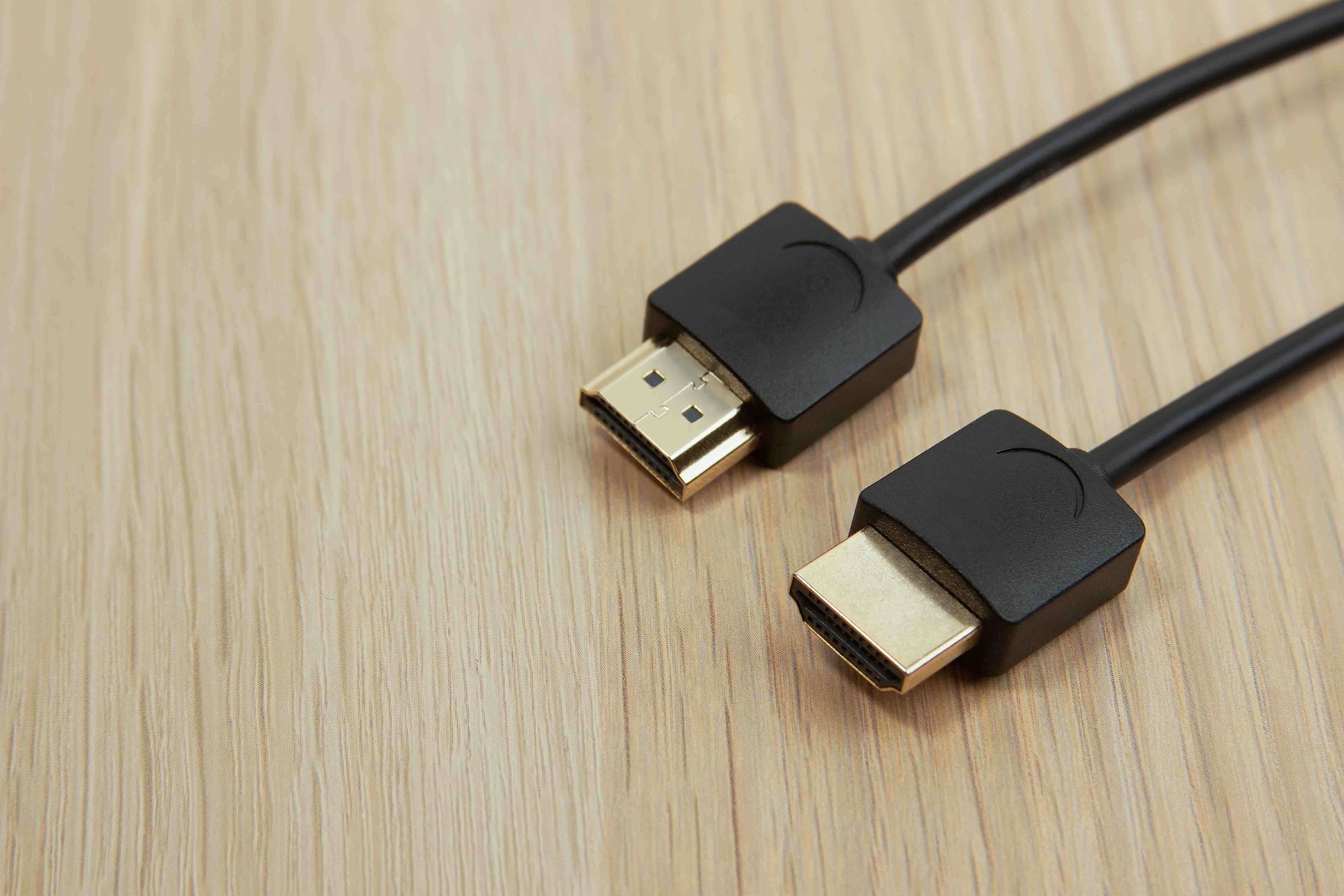
When selecting an HDMI 2.1 cable, the most important certification to look for is the Ultra High Speed label from HDMI.org. This certification confirms that the cable has been independently tested to carry the full 48 Gbps bandwidth required by the HDMI 2.1 specification. Beyond certification, consider the cable length carefully -- longer runs can introduce signal integrity issues at higher bandwidths, especially beyond 10 feet. For longer distances, active HDMI cables or fiber optic HDMI solutions become relevant options. Connector build quality also matters; well-shielded, gold-plated connectors resist corrosion and maintain signal stability over time. Do not assume that a higher price automatically means better performance -- look for tested, certified cables from suppliers with transparent specifications.
Why Monoprice Is the Smart Choice for HDMI 2.1 Cables and Accessories
When it comes to sourcing HDMI 2.1 cables and related AV infrastructure, the goal is always the same: reliable performance at a price that makes sense. Monoprice has built a well-earned reputation as a trusted supplier for both consumers and professional integrators by delivering exactly that. Their HDMI 2.1 certified cables are engineered to carry the full 48 Gbps bandwidth the standard demands, backed by rigorous testing and backed with a Limited Lifetime Warranty. You are not paying for a brand name; you are paying for a cable that works. For anyone putting together a next-generation gaming setup, a 4K home theater, or a commercial AV installation, Monoprice HDMI 2.1 cables and high-speed AV connectivity solutions offer the kind of cost-effective, performance-proven reliability that both DIY enthusiasts and professional AV integrators have come to depend on. The value proposition is clear, and the product quality backs it up consistently.
Frequently Asked Questions About HDMI 2.1
What is the maximum resolution supported by HDMI 2.1?
HDMI 2.1 supports resolutions up to 10K, with practical support for 8K at 60Hz and 4K at 120Hz being the most relevant use cases for current consumer and professional hardware.
Do I need a special cable to use HDMI 2.1?
Yes. To take full advantage of HDMI 2.1 bandwidth, you need a certified Ultra High Speed HDMI cable that is rated for 48 Gbps. Standard HDMI cables from older generations will not reliably support the full specification.
Is HDMI 2.1 backward compatible with older devices?
Yes. HDMI 2.1 is backward compatible with earlier HDMI versions. You can plug an HDMI 2.1 cable into an HDMI 2.0 or 1.4 port and it will work, but the connection will be limited to the capabilities of the older port.
What is VRR and why does it matter for gaming?
Variable Refresh Rate (VRR) synchronizes the display's refresh rate to the frame output of the connected device, which eliminates screen tearing and reduces stuttering for a smoother, more responsive gaming experience.
Does eARC require HDMI 2.1?
eARC is formally part of the HDMI 2.1 specification but can technically appear on HDMI 2.0 ports via firmware update on some devices. However, full eARC performance and reliability is most consistent on HDMI 2.1 certified hardware and cables.
Can HDMI 2.1 support 4K at 120Hz for gaming?
Yes. HDMI 2.1 is specifically designed to support 4K resolution at 120Hz with HDR, which is one of its most important advantages for current-generation console and PC gaming.
How does HDMI 2.1 compare to DisplayPort 2.1?
Both standards offer high bandwidth for modern displays. DisplayPort 2.1 supports up to 80 Gbps and is common on PC monitors and graphics cards, while HDMI 2.1 at 48 Gbps is more widely adopted in televisions, consoles, and consumer AV equipment.
Are all HDMI 2.1 ports on TVs the same?
Not always. Some TVs label ports as HDMI 2.1 but restrict bandwidth to 40 Gbps rather than the full 48 Gbps, which can limit support for 4K at 120Hz with HDR simultaneously. Always verify the port specification in the product documentation.
Does HDMI 2.1 support Dolby Atmos and DTS:X?
Yes. Through eARC, HDMI 2.1 supports transmission of uncompressed and high-bitrate audio formats including Dolby Atmos and DTS:X from a TV back to a connected soundbar or AV receiver over a single HDMI cable.
How long can an HDMI 2.1 cable be without signal loss?
Passive HDMI 2.1 cables typically perform reliably up to about 10 feet at full bandwidth. For longer runs, active HDMI cables or fiber optic HDMI solutions are recommended to maintain signal integrity at 48 Gbps.


