

HDMI 2.1 Explained: Bandwidth, Gaming, and 8K Ready
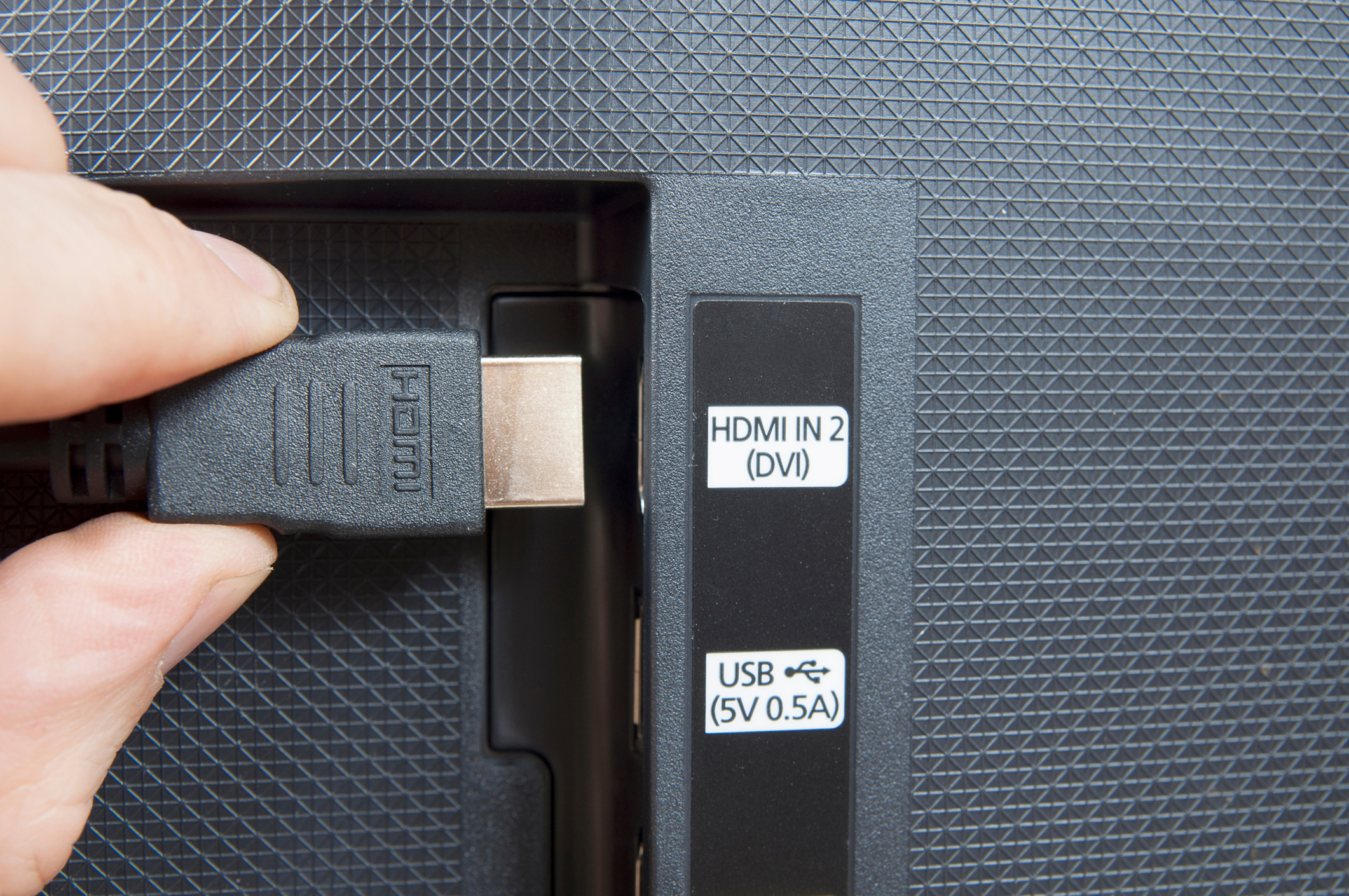
What Is HDMI 2.1 and Why Does It Matter for Your Setup
If you have spent any time shopping for a new television, monitor, or gaming console recently, you have probably seen HDMI 2.1 mentioned pretty much everywhere. It sounds like just another version number, but the jump from HDMI 2.0 to 2.1 is actually a pretty significant one -- more bandwidth, higher resolutions, faster refresh rates. It is the kind of spec upgrade that genuinely changes what you can do with your display setup. Whether you are building a home theater, setting up a gaming rig, or putting together a professional AV installation, understanding what HDMI 2.1 actually delivers -- and where it falls short -- is worth your time before you start buying cables and switches.
A Quick Recap of How HDMI Works
HDMI, or High-Definition Multimedia Interface, is the standard connection used to transmit both audio and video data over a single cable between devices. Think TVs, monitors, projectors, Blu-ray players, game consoles, streaming boxes. The spec has gone through multiple generations since it launched in 2002, with each version adding support for higher resolutions and more advanced audio formats. HDMI 2.0 was solid -- it brought 4K at 60Hz into the mainstream and added support for HDR. But consumer expectations kept climbing, and 2.0 started showing its ceiling pretty fast once 8K displays and high-refresh-rate gaming entered the picture. That is really where HDMI 2.1 comes in and changes the conversation entirely.
What HDMI 2.1 Actually Supports
Here is where things get interesting. HDMI 2.1 nearly quadruples the bandwidth of its predecessor, jumping from 18 Gbps all the way up to 48 Gbps. That extra headroom opens the door to a range of capabilities that simply were not possible before. The headline features worth knowing about include the following.
- 8K resolution at 60Hz with full HDR
- 4K resolution at 120Hz, which is especially relevant for gaming
- Support for Dynamic HDR formats including Dolby Vision and HDR10+
- Enhanced Audio Return Channel, known as eARC, for higher-quality audio passthrough
- Variable Refresh Rate support, or VRR, which reduces screen tearing
- Auto Low Latency Mode, or ALLM, that automatically switches to game mode
- Quick Frame Transport, which cuts latency further for competitive gaming
That is a lot packed into one spec. And what makes it genuinely useful is that these are not just numbers -- they translate into real visual and audio improvements that you can actually see and hear.
The Bandwidth Question Explained Simply
Bandwidth is one of those terms that gets thrown around constantly without much explanation. In the context of HDMI, bandwidth is basically the pipeline through which your video and audio data flows. A narrower pipeline means lower resolution or refresh rate ceilings. HDMI 2.0 topped out at 18 Gbps, which was enough for 4K at 60Hz but left little room for anything above that. HDMI 2.1 at 48 Gbps has enough capacity to handle 10K resolution at certain frame rates, though that is mostly theoretical right now. What matters practically is that the extra bandwidth gives 4K and 8K content room to breathe -- you get better color depth, smoother motion, and more accurate HDR without compression artifacts degrading the image.
Gaming and HDMI 2.1: A Particularly Good Match
If there is one audience that arguably benefits most from HDMI 2.1 right now, it is gamers. The PlayStation 5 and Xbox Series X both support 4K at 120Hz output through HDMI 2.1, and high-end PC graphics cards have been pushing those frame rates for a while now. VRR alone is worth paying attention to -- when your GPU delivers frames at an uneven pace, a VRR-compatible display syncs its refresh rate dynamically, eliminating the stuttering and tearing that can make fast-paced games feel rough. ALLM works in the background to make sure your display is always in its lowest-latency configuration when a game is detected. These are not marketing features. They are genuinely useful tools that make the gaming experience more responsive and polished.
Key Advantages of Upgrading to HDMI 2.1
There are several concrete reasons to consider moving to HDMI 2.1 compatible cables, switches, and displays if your current setup relies on older HDMI versions.
- Future-proofed for 8K content as streaming and physical media evolve
- Significantly better gaming performance with VRR and ALLM
- Higher color depth and improved HDR accuracy at 4K resolutions
- eARC eliminates the need for separate optical audio connections in many setups
- Broader compatibility with the latest gaming consoles and graphics cards
- Single-cable simplicity with both high-quality audio and video on one connection
For home theater enthusiasts and professional AV integrators alike, the argument for HDMI 2.1 is straightforward: it is the standard that current high-performance devices are built around, and avoiding it means potentially limiting what those devices can actually do.
Common Drawbacks and Things to Watch For
No technology upgrade is without its complications, and HDMI 2.1 is no exception. One of the more frustrating realities of the rollout has been inconsistent implementation. Some TVs and monitors advertised as HDMI 2.1 compliant only support a subset of the features -- a port might be labeled 2.1 but still cap out at 40 Gbps instead of the full 48 Gbps. Cable quality matters too. Not every cable sold as HDMI 2.1 has been certified to handle the full bandwidth spec, which can result in signal degradation or dropped connections at higher resolutions. The HDMI Licensing Administrator introduced an Ultra High Speed HDMI certification to help address this, so looking for that label on cables is a practical first step. Cost is another factor -- HDMI 2.1 hardware still tends to carry a price premium, though that gap has been closing steadily.
How to Choose the Right HDMI 2.1 Cable or Device
Getting the most out of HDMI 2.1 means paying attention to the details at the point of purchase. A few practical guidelines to keep in mind: verify that the cable is certified Ultra High Speed HDMI, check that the ports on your TV or monitor explicitly support the specific features you need such as 4K at 120Hz or VRR, and confirm that your source device -- game console, GPU, media player -- actually outputs at the resolutions and frame rates you are targeting. Length matters too. Passive HDMI 2.1 cables at full bandwidth can start running into signal integrity issues at longer runs, so for distances beyond about 10 feet, an active or fiber optic cable may be the better call. Taking the time to verify compatibility on both ends of the connection saves a lot of troubleshooting frustration later.
Why Monoprice Is the Right Source for Your HDMI 2.1 Needs
When it comes to sourcing HDMI 2.1 cables, switches, and related AV infrastructure, there is a real advantage to working with a supplier that understands the spec from the ground up. Monoprice has built a trusted reputation among AV integrators, IT professionals, and consumers who need reliable connectivity without paying inflated prices for it. The product lineup includes certified Ultra High Speed HDMI 2.1 cables that are tested to support the full 48 Gbps bandwidth spec -- which matters, because a cable that falls short of that defeats the purpose of upgrading in the first place. For anyone who wants to explore the full range of certified, high-performance HDMI 2.1 cables and accessories designed to support 8K, 4K at 120Hz, and advanced gaming features, Monoprice HDMI 2.1 cables and high-speed AV connectivity solutions represent a practical, value-driven starting point. Quality construction, honest pricing, and the kind of technical depth that lets you buy with confidence -- that is what Monoprice consistently delivers to both individual buyers and professional installation teams.
Frequently Asked Questions About HDMI 2.1
What is the main difference between HDMI 2.0 and HDMI 2.1?
HDMI 2.1 offers significantly more bandwidth -- 48 Gbps compared to 18 Gbps with HDMI 2.0 -- which enables support for 8K resolution, 4K at 120Hz, Variable Refresh Rate, Auto Low Latency Mode, and enhanced audio passthrough via eARC.
Do I need a new cable to use HDMI 2.1?
Yes. To take full advantage of HDMI 2.1 capabilities, you need an Ultra High Speed certified HDMI cable rated for 48 Gbps. Standard HDMI 2.0 cables do not support the full bandwidth required for 8K or 4K at 120Hz.
Is HDMI 2.1 backward compatible with older devices?
Yes. HDMI 2.1 ports and cables are backward compatible with HDMI 2.0 and earlier versions. You will not gain the new features on older hardware, but the connection will still function normally.
Does the PS5 require an HDMI 2.1 cable?
To use the PS5 at its full potential -- specifically 4K at 120Hz with VRR -- you need both a compatible TV or monitor and an Ultra High Speed HDMI 2.1 cable. The console ships with an HDMI 2.1 cable, but replacement or longer cables should be certified.
What does eARC mean and why does it matter?
eARC stands for Enhanced Audio Return Channel. It allows high-quality audio formats like Dolby Atmos and DTS:X to pass from a TV back to a soundbar or AV receiver over a single HDMI cable, eliminating the need for a separate optical audio connection.
Can all HDMI 2.1 ports support 48 Gbps bandwidth?
Not always. Some displays marketed as HDMI 2.1 compliant only support a subset of the spec, such as 40 Gbps instead of the full 48 Gbps. Always verify port specifications with the manufacturer before assuming full feature support.
What is Variable Refresh Rate and who benefits from it?
Variable Refresh Rate, or VRR, allows a display to dynamically sync its refresh rate to the output of a connected GPU or game console. This eliminates screen tearing and reduces stuttering, making it particularly valuable for gaming on high-refresh-rate displays.
How long can an HDMI 2.1 cable be before signal quality drops?
Passive HDMI 2.1 cables carrying full 48 Gbps bandwidth can experience signal degradation beyond roughly 10 feet. For longer runs, an active cable or a fiber optic HDMI cable is recommended to maintain reliable signal integrity.
Is 8K content actually available to watch right now?
8K content is limited but growing. Some YouTube videos stream in 8K, and certain Japanese broadcasters have aired 8K programming. Physical 8K Blu-ray does not yet exist commercially, but HDMI 2.1 ensures your setup is ready when availability expands.
Does HDMI 2.1 support HDR?
Yes. HDMI 2.1 supports multiple Dynamic HDR formats including Dolby Vision and HDR10+, delivering scene-by-scene or even frame-by-frame HDR metadata for more accurate brightness and color rendering compared to static HDR formats.


