

Ethernet Cable Wiring: Standards, Types, and Setup Tips
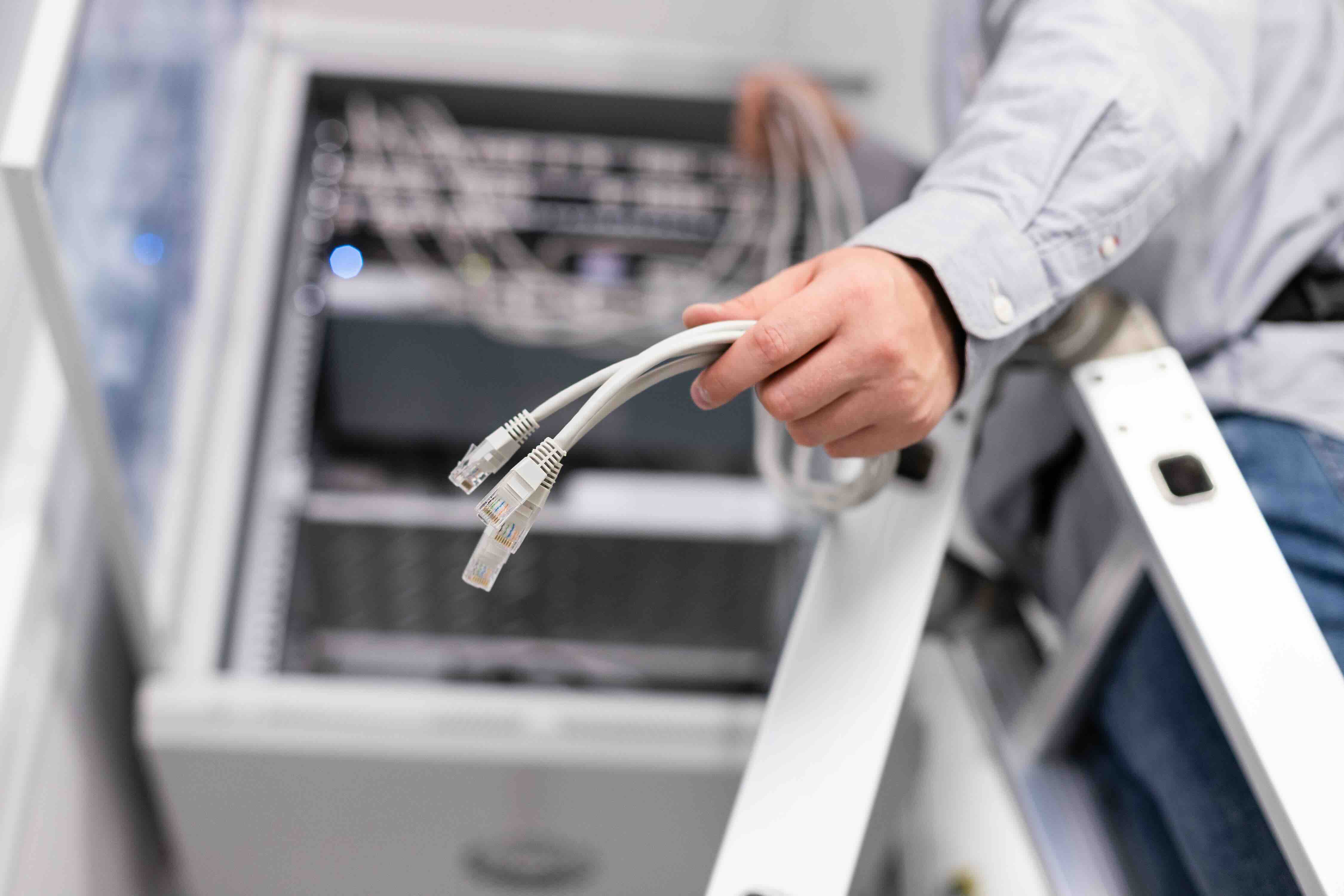
What Is Ethernet Cable Wiring and Why Does It Still Matter?
So, Ethernet cable wiring -- it sounds like something only a network tech would care about, right? Honestly, not anymore. Whether you're building out a home office, running cable through a new construction project, or just trying to get a more stable connection than your Wi-Fi can deliver, understanding how Ethernet wiring works is genuinely useful. It is the physical backbone of most wired networks in use today -- homes, businesses, data centers, schools -- pretty much everywhere reliable connectivity is a requirement rather than a nice-to-have. The basics are worth knowing. The details really do matter when you're making purchasing decisions or planning an installation.
How Ethernet Cable Wiring Actually Works
At its core, Ethernet cable carries data as electrical signals -- or in some cases, light, but let's set fiber aside for now. The most commonly used type is twisted pair cable, which contains four pairs of copper wire twisted together inside a protective outer jacket. The twisting is not decorative. It is functional, designed to reduce electromagnetic interference from outside sources and from the cable's own signal pairs. Each pair handles data transmission in a specific direction. The wiring inside must follow standardized pinout configurations -- most commonly T568A or T568B -- which dictate which wire color connects to which pin on the RJ45 connector at each end. Getting this right determines whether your cable will actually work. Getting it wrong means no link, or worse, an intermittent one that is very annoying to troubleshoot.
T568A vs T568B: What Is the Difference and Which Should You Use?
This is probably the most common point of confusion when someone is new to wiring their own cables. T568A and T568B are two accepted wiring standards for terminating Ethernet cables. They differ only in which pairs are assigned to which pin positions -- specifically, pairs two and three are swapped between the two standards. T568B is more commonly used in North American commercial installations. T568A is specified by some government standards and is also seen in residential applications. The most important rule is consistency: both ends of a straight-through cable should use the same standard. If you mix them -- one end T568A and one end T568B -- you have created a crossover cable, which has its own specific use case for direct device-to-device connections without a switch. Neither standard is electrically superior to the other, but matching your existing infrastructure matters.
Cat5e, Cat6, Cat6A: Choosing the Right Cable for Your Wiring Project
Not all Ethernet cables are created equal, and the category rating directly impacts what you can realistically do with your wired network. Here is a quick breakdown to help clarify what each category brings to the table:
- Cat5e supports speeds up to 1 Gbps at distances up to 100 meters and is the minimum recommended for most modern installations
- Cat6 supports up to 10 Gbps at shorter distances, up to 55 meters, with reduced crosstalk compared to Cat5e
- Cat6A extends 10 Gbps capability to the full 100-meter distance and offers better shielding and alien crosstalk performance
- Cat7 and Cat8 exist for specialized, high-performance environments like data centers and are typically overkill for standard home or office deployments
For most new wiring projects today, Cat6 is a solid baseline choice. If you are planning for the long term or building out an environment where bandwidth demands may grow significantly, Cat6A is worth the additional investment. It is the kind of decision that pays off over years, not just immediately.
Shielded vs Unshielded Cable: When Shielding Is Worth It
Here is something that gets glossed over a lot in beginner-level guides. Ethernet cables come in shielded and unshielded varieties, and the environment where the cable runs is what determines which one you actually need. Unshielded twisted pair, or UTP, is the most common type and works well in standard office or home environments where electromagnetic interference is minimal. Shielded variants -- including FTP, STP, and SFTP -- add a foil or braided layer around the cable pairs or the entire cable bundle to protect against interference from motors, lighting systems, industrial equipment, and other noise sources. If your cable run passes near HVAC systems, fluorescent lighting, or any heavy electrical infrastructure, shielded cable is not optional -- it is necessary. One thing to note: shielded cable requires proper grounding through compatible shielded connectors and patch panels to function correctly. Without proper grounding, shielding can actually make interference worse by acting as an antenna.
Key Advantages of Proper Ethernet Cable Wiring
People sometimes underestimate what well-executed physical wiring actually delivers in terms of network performance. A properly wired Ethernet infrastructure offers advantages that wireless simply cannot replicate in many scenarios. Consider what you gain with a solid wired setup:
- Consistent, low-latency connections that are not affected by radio interference or network congestion from neighboring wireless networks
- Predictable bandwidth delivery, which matters enormously for video conferencing, IP surveillance systems, and VoIP
- Improved security compared to wireless, since physical access to the cable is required to intercept traffic
- More reliable uptime for devices that require constant connectivity, such as servers, access points, or VoIP handsets
- Easier network segmentation and management when combined with managed switches and structured cabling practices
For integrators and IT professionals, these benefits translate directly into fewer support calls and more dependable infrastructure. For homeowners and small business operators, it means a network that just works -- consistently.
Common Mistakes to Avoid When Wiring Ethernet Cable
Even experienced installers run into problems when corners get cut or small details are overlooked. One of the most frequent issues is excessive untwisting of wire pairs during termination. The TIA-568 standard allows for no more than half an inch of untwisted pair at the termination point. Beyond that, you introduce crosstalk that can degrade signal quality, particularly at higher frequencies. Another common error is exceeding bend radius limits -- pulling cable too tightly around corners can deform the internal geometry of the twisted pairs and cause signal loss. Cable runs should also stay within the 100-meter limit for copper Ethernet connections; beyond that, signal degradation becomes significant. Finally, skipping cable testing after installation is a mistake that creates headaches later. A basic cable tester will confirm continuity and correct pinout before any equipment gets connected, saving you from having to trace faults after the fact.
Practical Tips for a Clean and Reliable Ethernet Cable Installation
A clean installation is not just about aesthetics, although organized cable management does make future troubleshooting much easier. Label both ends of every cable run during installation -- this takes an extra sixty seconds per run and saves significant time when you are trying to identify a specific connection months or years later. Use cable staples or clips rated for data cable and avoid over-tightening, which compresses the cable geometry and degrades performance. Keep Ethernet runs physically separated from electrical wiring by at least six inches, and cross them at perpendicular angles when runs must intersect. Use patch panels and keystone jacks for permanent wall installations rather than terminating directly to devices -- this makes moves and changes far easier. And always pull more cable than you think you need during rough-in; adding cable after walls are closed is expensive and time-consuming.
Why Monoprice Is the Right Choice for Your Ethernet Wiring Needs
When it comes to sourcing Ethernet cable and wiring infrastructure components, the supplier you choose matters more than most people realize. Quality varies considerably across the market, and the difference between a well-manufactured Cat6 cable and a substandard one is not always visible before installation -- but it becomes obvious in performance and longevity. Monoprice has built a well-earned reputation as a trusted supplier for IT professionals, AV integrators, small businesses, and homeowners who want professional-grade results without the inflated pricing that often comes with name-brand alternatives. From Cat6 patch cables to bulk cable spools, keystone jacks, patch panels, and cable management accessories, the full wiring ecosystem is available in one place. If you are ready to build out a reliable, high-performance wired network, explore professional-grade Ethernet cables and networking infrastructure from Monoprice and see why so many installers and IT teams continue to choose Monoprice as their go-to source for structured cabling components that deliver consistent results at a price that makes sense for any project budget.
Frequently Asked Questions About Ethernet Cable Wiring
What is the difference between a straight-through and a crossover Ethernet cable?
A straight-through cable uses the same wiring standard on both ends and is used to connect different types of devices, such as a computer to a switch. A crossover cable uses different standards on each end -- one T568A and one T568B -- and is used to connect similar devices directly, such as two computers or two switches without an uplink port.
How far can I run an Ethernet cable before signal quality degrades?
The standard maximum length for a copper Ethernet cable run is 100 meters, or approximately 328 feet. Beyond this distance, signal attenuation becomes significant enough to cause connection problems. For longer runs, a network switch or media converter can be used to extend reach.
Can I wire my own Ethernet cables at home?
Yes. With an RJ45 crimp tool, a cable tester, the appropriate connectors, and bulk Ethernet cable, most homeowners and DIY enthusiasts can terminate their own cables successfully. Following the T568B wiring standard and minimizing the untwisted length at termination points are the two most important technical details to get right.
What tools do I need to terminate Ethernet cables?
The essential tools include an RJ45 crimping tool, a cable stripper or utility knife, a punch-down tool for keystone jacks and patch panels, and a cable tester to verify continuity and correct pin mapping after termination. A cable length meter is useful for larger installations.
Is Cat6 worth the upgrade over Cat5e for a home network?
For most home installations, Cat6 is the recommended baseline choice. It supports faster speeds and offers better crosstalk performance than Cat5e, and the price difference in bulk cable is relatively small. Given that the cable inside walls is meant to last for years or decades, the modest additional cost is generally a worthwhile investment.
What does the color coding of Ethernet wire pairs mean?
Each of the four wire pairs in an Ethernet cable has a standard color code: blue, orange, green, and brown, each paired with a white-striped version of the same color. These color designations correspond to specific pin positions in the T568A and T568B wiring standards and help ensure correct termination and consistent performance.
Do I need shielded Ethernet cable for my home or office?
In most residential and standard office environments, unshielded twisted pair cable is sufficient. Shielded cable becomes necessary when cable runs pass near significant sources of electromagnetic interference, such as industrial machinery, high-voltage electrical infrastructure, or HVAC equipment. If shielded cable is used, it must be properly grounded to be effective.
What is a patch panel and do I need one?
A patch panel is a centralized termination point where individual cable runs from throughout a building connect to a single organized panel, which then connects to a switch via short patch cables. It is not strictly required for small installations, but it significantly simplifies cable management, future modifications, and troubleshooting in any network with more than a handful of runs.
Can Ethernet cable be used outdoors?
Standard indoor Ethernet cable is not rated for outdoor use. Direct-burial or outdoor-rated Ethernet cable uses UV-resistant jacketing and sometimes gel-filled or flooded construction to resist moisture. For runs that pass through conduit, outdoor-rated cable is still recommended. Standard cable exposed to sunlight and moisture will degrade relatively quickly.
How do I test whether an Ethernet cable is wired correctly?
A basic cable continuity tester will confirm that all eight conductors are connected to the correct pins at both ends of the cable. More advanced cable certifiers can measure performance characteristics such as insertion loss, return loss, and crosstalk -- useful for verifying that a cable meets category specifications for high-speed applications.


