Ethernet Cable Grounding and Placement in Consumer Setups
Where Does an Ethernet Cable Actually Go? A Practical Guide for Home Networks
It sounds like a simple question. Where does the Ethernet cable go? But spend five minutes looking at the back of a router, a wall jack, a patch panel, or a network switch, and it gets a little more layered than expected. The short answer is that Ethernet cables connect devices to a network -- running from a router or switch to a computer, smart TV, gaming console, IP camera, or nearly any device that needs a wired connection. The longer answer involves understanding how those cables are routed, what they connect to along the way, and why grounding and placement matter more than most people think. This is that longer answer.
The Basics: Ethernet Cable Path in a Typical Home Setup
In most residential setups, Ethernet cable originates at the modem or router -- that box your ISP gave you or the one you bought yourself. From there, cables run to individual devices either directly or through a network switch that expands the number of available ports. A direct connection from your router to your desktop PC or gaming console is about as clean as networking gets. You plug one end into the router's LAN port, the other into the device's Ethernet port, and you are wired in. The complexity shows up when you want connectivity in multiple rooms or floors. That is where structured cabling comes in -- running Cat5e, Cat6, or Cat6A cable through walls, down conduit, across basements or attic spaces, and terminating at wall jacks that then connect to patch panels or directly to devices. It is a bit more involved but worth it.
Understanding Cable Categories and Which One You Actually Need
Not all Ethernet cable is built the same. Category ratings indicate the cable's data transfer capacity and signal frequency handling. Here is a quick breakdown of what is commonly used in home installs today:
- Cat5e -- Supports up to 1 Gbps at 100 MHz, fine for basic browsing and streaming but getting dated fast
- Cat6 -- Handles up to 10 Gbps at shorter distances, reduced crosstalk, a solid standard for most homes
- Cat6A -- Supports 10 Gbps at full 100-meter runs with better shielding, ideal for future-proofing or demanding environments
- Cat8 -- Rated for 25 to 40 Gbps at very short distances, mostly relevant in data center or high-performance commercial environments
For most homeowners running a new install or upgrading existing wiring, Cat6 is the sweet spot. Cat6A makes sense if you are doing a full structured wiring job and want the installation to hold up for the next decade without revisiting it. Go with what fits the run length and the use case, not just what sounds impressive.
Wall Jacks, Patch Panels, and Where It All Terminates
When Ethernet cable runs inside walls, it has to terminate somewhere useful. Most structured home installs terminate at keystone wall jacks -- those small modular inserts that fit into wall plates and give you a clean RJ45 port to plug into. On the other end, cable runs typically terminate at a patch panel, which consolidates all the home's network drops into a single organized panel usually mounted in a dedicated closet, rack, or enclosure. From the patch panel, short patch cables connect to your switch or router. It sounds involved but the payoff is a clean, maintainable setup where tracing a cable or moving a connection takes seconds rather than crawling through walls.
Grounding Your Ethernet Cable: Why It Actually Matters
Grounding is one of those things that gets skipped in casual home installs and then quietly causes problems later. When shielded Ethernet cables -- like STP or F/UTP -- are used, the shielding has to be properly grounded to actually work. Without a solid ground connection, the shield does not dissipate interference the way it should and can actually act as an antenna, pulling in more noise rather than blocking it. That said, most residential installs using standard unshielded twisted pair cable do not require a shield ground. Where grounding becomes critical is when cable runs outdoors, between buildings, or near significant electrical infrastructure. In those scenarios, using shielded cable and grounding it to a proper earth ground -- at one end only to avoid ground loops -- is not optional. It is a safety and performance measure worth taking seriously.
Outdoor Runs and Direct Burial: Special Placement Considerations
Running Ethernet outside your home introduces variables that indoor installations do not deal with -- moisture, temperature swings, UV exposure, and physical damage risk. Outdoor-rated Ethernet cable is built with a tougher jacket that resists those conditions. Direct burial cable goes a step further with a gel-filled or ruggedized construction that handles being placed directly in soil. If you are connecting a detached garage, outbuilding, or external camera, do not cut corners with standard indoor cable. The jacket will degrade, moisture will get in, and you will be re-running the whole thing sooner than planned. Also worth noting -- outdoor runs between structures should always use fiber or properly isolated Ethernet to avoid ground potential difference issues, which can damage equipment or pose a genuine electrical hazard.
Common Mistakes Homeowners Make with Ethernet Placement
A few patterns show up repeatedly in DIY installs that lead to performance issues or signal problems down the road. Getting these right from the start saves real headaches:
- Running Ethernet parallel to and directly alongside electrical wiring for long stretches, which introduces interference
- Exceeding the 100-meter maximum run length for copper Ethernet without using a switch or repeater
- Using incorrect termination standards -- mixing T568A and T568B on the same run
- Bending cables tightly around corners beyond the cable's minimum bend radius
- Skipping strain relief at termination points, leading to damaged conductors over time
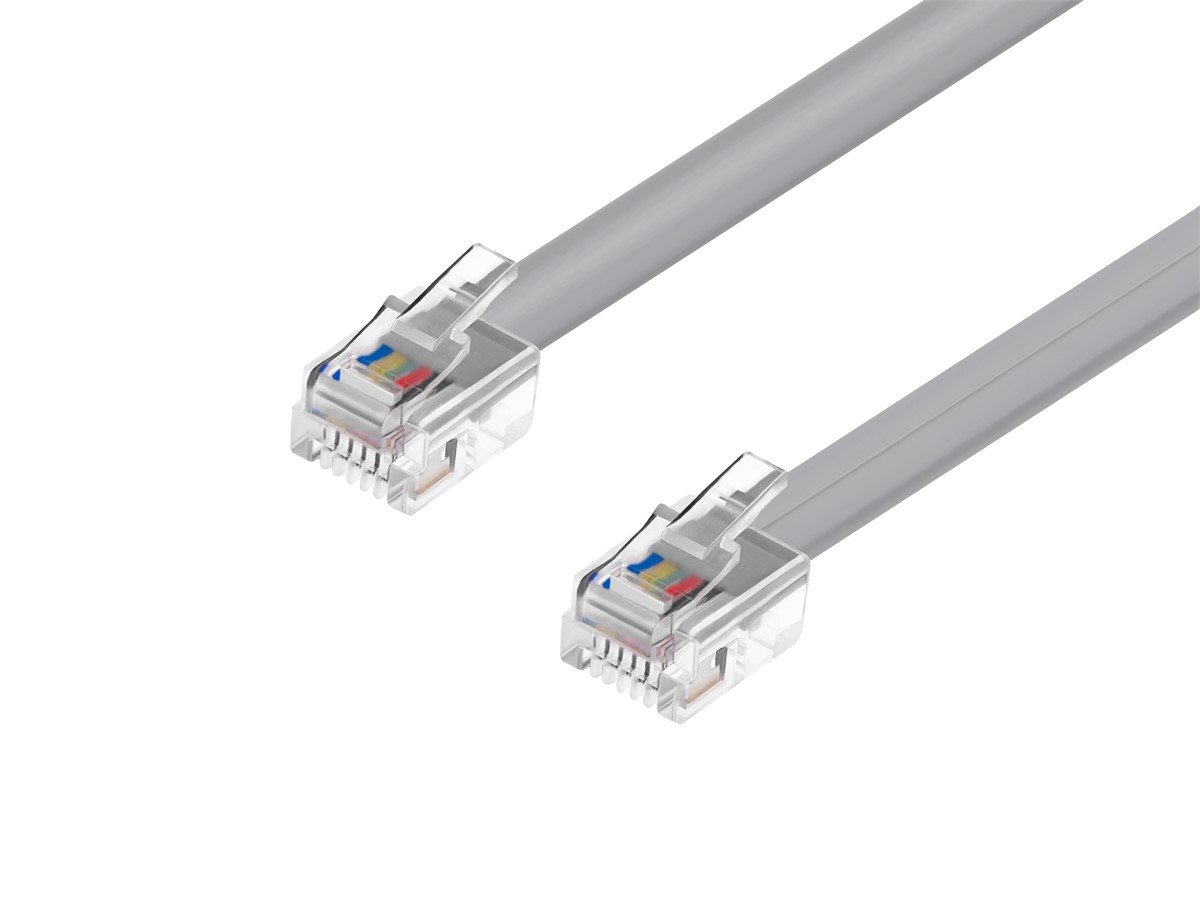
- Using flat patch cable for in-wall runs, which is not rated for that application
Most of these are easy to avoid with a little planning before pulling cable. Measure twice, route once, and use the right materials for each segment of the run.
Performance and Safety: The Real Argument for Doing This Right
There is a practical reason to take Ethernet placement and grounding seriously beyond just signal quality. Improper grounding in setups involving shielded cable or outdoor runs creates real exposure to voltage differentials and electrical transients -- particularly during lightning events or nearby utility issues. A properly installed and grounded network is more resilient to those events and protects connected equipment. On the performance side, good cable routing, proper termination, and appropriate shielding all add up to a network that delivers on the speeds your ISP is selling you. A poorly routed or degraded cable run is often the reason a gigabit connection tests at half that or less at the device end. The cable infrastructure is not secondary to the router or switch -- it is equally important.
Tips for a Cleaner, Smarter Home Ethernet Install
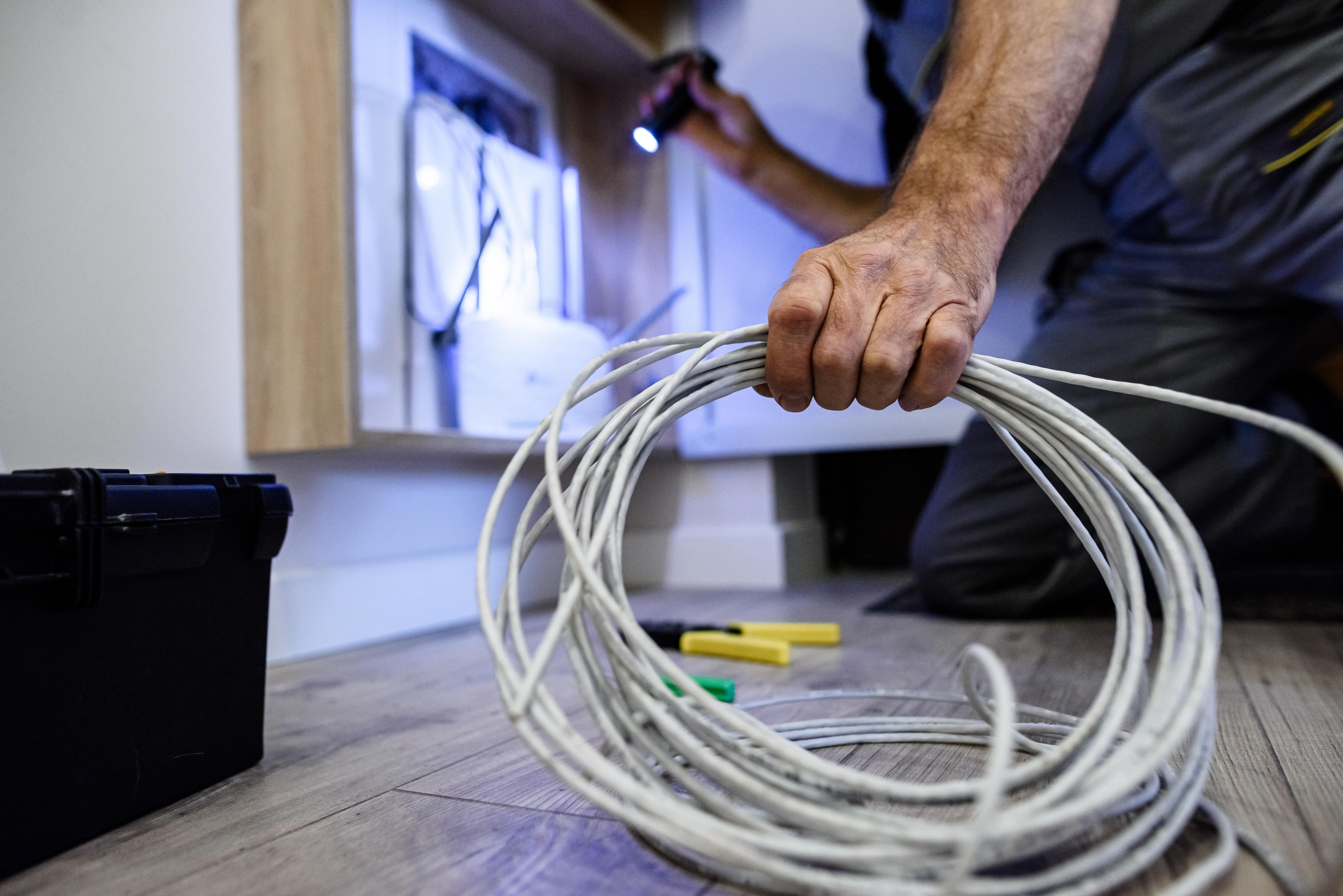
Whether this is a first-time structured wiring project or an upgrade to an existing setup, a few principles keep things organized and performance-forward. Label every cable at both ends before it goes in the wall -- it seems unnecessary until the third time you are tracing a run with no idea where it goes. Use a central distribution point like a wall-mount rack or enclosure to house your patch panel, switch, and router in one organized spot. Run conduit where possible, even if it costs more up front; the ability to pull new cable later without cutting drywall is worth every dollar. Test every run with a basic cable tester after termination -- do not assume it is good until it is confirmed. And when in doubt about grounding, consult with someone who has done it before, because the downside of getting it wrong is not just slow speeds.
Why Monoprice Is the Smart Choice for Your Ethernet Cabling Needs
When it comes to building a home network that actually performs -- from the cable in the wall to the patch panel in the closet -- the components you choose set the ceiling on what your setup can deliver. Monoprice has built a well-earned reputation for producing high-quality networking cable and infrastructure products at prices that make proper installs accessible to homeowners and integrators alike. Whether you need bulk Cat6 cable for in-wall runs, outdoor-rated Ethernet for connecting a detached structure, keystone jacks, patch panels, or cable management accessories, Monoprice carries what you need to do the job right the first time. The products are spec-accurate, rigorously categorized, and backed by the kind of quality assurance that matters in a structured cabling project. If you are ready to build a wired home network that holds up and performs consistently, explore the full range of professional-grade Ethernet cables and home networking solutions from Monoprice and see exactly why both DIY homeowners and professional integrators keep coming back. The value is real. The performance is measurable. And the selection covers every step of the install.
Frequently Asked Questions About Ethernet Cable Placement and Grounding
Where does an Ethernet cable plug in on a router?
An Ethernet cable plugs into the LAN ports on the back of your router. These are typically numbered and labeled. The WAN port, which is usually a different color, is where the cable from your modem connects. Do not confuse the two.
Does Ethernet cable need to be grounded in a home install?
Standard unshielded twisted pair Ethernet cable used indoors does not require grounding. However, shielded Ethernet cable and any outdoor or inter-building runs should be properly grounded to protect equipment and eliminate interference caused by ungrounded shielding.
How far can you run Ethernet cable before signal degrades?
The maximum recommended run length for copper Ethernet cable, including Cat5e, Cat6, and Cat6A, is 100 meters or approximately 328 feet. Runs beyond that length require a network switch or active extender to maintain signal integrity.
What is the difference between Cat6 and Cat6A for home use?
Cat6 supports up to 10 Gbps at distances up to 55 meters and is sufficient for most home installs. Cat6A extends 10 Gbps performance to the full 100-meter run length and offers better shielding against crosstalk, making it the better choice for future-proofed structured wiring.
Can I run Ethernet cable outside my house?
Yes, but you must use outdoor-rated Ethernet cable designed to handle UV exposure, moisture, and temperature changes. For underground routing, use direct burial Ethernet cable. Standard indoor cable will degrade quickly when exposed to outdoor conditions.
What happens if Ethernet cable runs near electrical wiring?
Running Ethernet parallel to electrical wiring, especially for long distances, can introduce electromagnetic interference that degrades signal quality. Maintain separation of at least six inches for standard electrical runs and more for high-voltage lines. Crossing runs perpendicularly is preferable to running them in parallel.
Does the type of Ethernet cable affect internet speed?
Yes. Cable category directly affects maximum supported bandwidth. Using an older or lower-rated cable on a gigabit or multi-gigabit connection will create a bottleneck. The cable must match or exceed the speeds your network equipment and ISP plan support to avoid limiting performance.
What is a patch panel and do I need one at home?
A patch panel is a centralized termination point for all Ethernet runs in a structured wiring system. It is not mandatory for small setups, but it becomes very useful in homes with multiple network drops because it makes managing, labeling, and reconfiguring connections far more organized and maintainable.
Can a bad Ethernet cable cause connection drops or slow speeds?
Absolutely. Damaged conductors, poor terminations, excessive bend radius, or a cable that has been kinked or crushed can all cause intermittent drops, packet loss, and significantly reduced throughput. Always test cable runs with a proper cable tester after installation.
Is shielded or unshielded Ethernet cable better for home use?
Unshielded twisted pair is standard and sufficient for most residential indoor environments. Shielded cable is beneficial in areas with high electromagnetic interference, such as near industrial equipment or electrical panels, and is preferred for outdoor or inter-building runs where proper grounding can be implemented.