

DVI Maximum Resolution: Single Link vs Dual Link Explained
What Is DVI Maximum Resolution? A Plain-Language Guide to Getting the Most From Your Display Connection
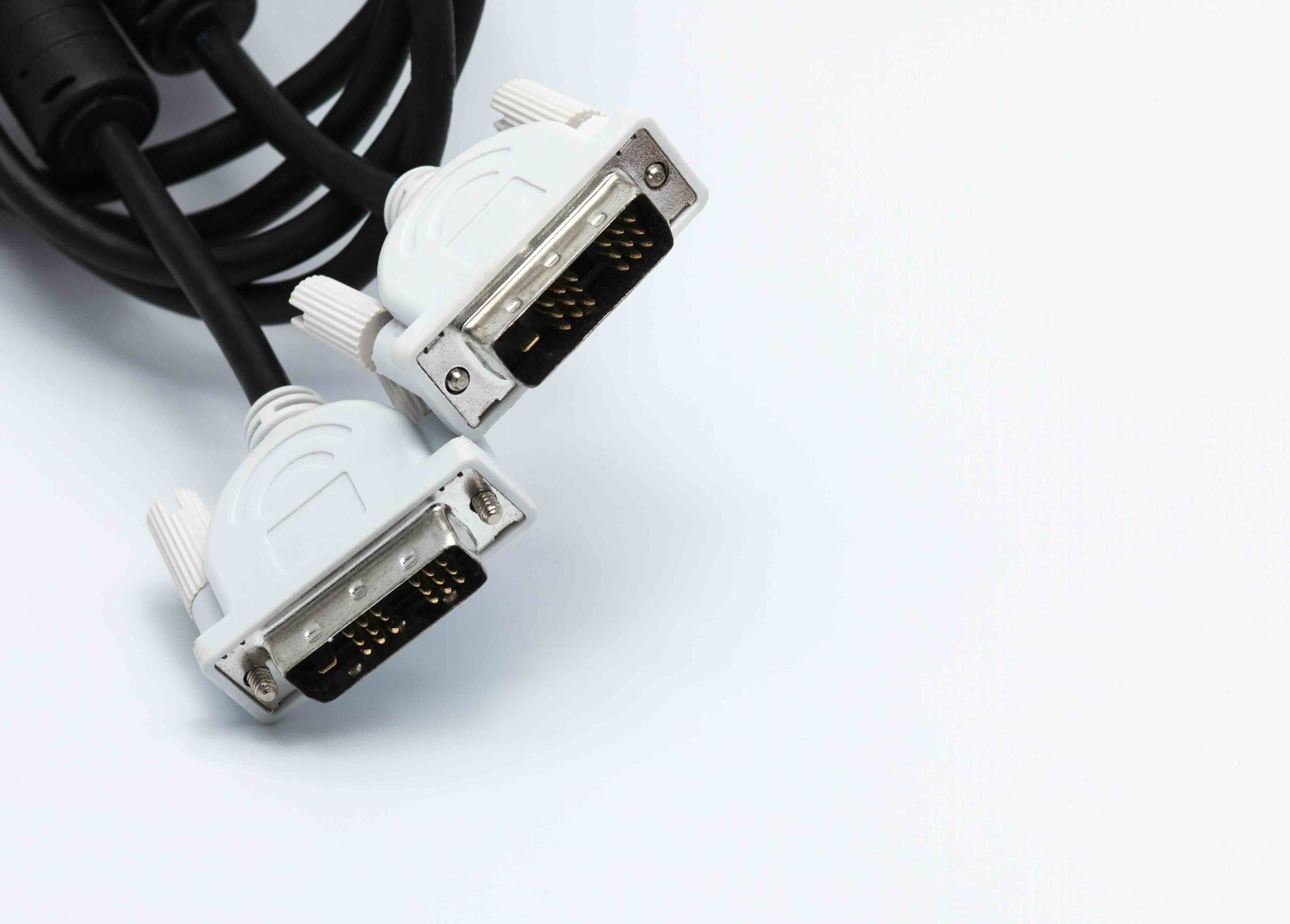
If you have ever stared at the back of a monitor or a graphics card and noticed that trapezoidal white connector with a cluster of pins, you were looking at a DVI port. Digital Visual Interface, or DVI, was a significant leap forward when it arrived in the late 1990s, bridging the gap between the old analog VGA world and what would eventually become the fully digital display ecosystem we use today. But here is the part that trips people up: not all DVI ports are the same, and the maximum resolution a DVI connection can support depends almost entirely on which type of DVI you are dealing with. This guide breaks it down clearly so you can make a confident, informed decision about your display setup.
Understanding the Different Types of DVI Connections
DVI comes in several flavors, and this is where a lot of confusion starts. There is DVI-A, which carries only analog signals and is largely obsolete at this point. There is DVI-D, which is purely digital. And there is DVI-I, which carries both analog and digital signals and is the most versatile of the three. Within the digital variants, you have two sub-types that matter most for resolution: Single Link and Dual Link. The Single Link version uses one transmitter and has a bandwidth ceiling that limits what it can push to a display. Dual Link uses two transmitters and effectively doubles that available bandwidth, which directly impacts the maximum resolution it can support.
DVI Maximum Resolution: Single Link vs. Dual Link
Here is where the actual numbers come in. DVI Single Link supports a maximum resolution of 1920 x 1200 at 60Hz. That covers Full HD and even WUXGA displays without issue, so for many standard monitors it is perfectly adequate. Dual Link DVI, on the other hand, pushes significantly further and supports a maximum resolution of 2560 x 1600 at 60Hz. That is enough for a 30-inch WQXGA display, which was genuinely impressive for its era. Some implementations have pushed DVI Dual Link to resolutions approaching 2560 x 2048 under specific conditions, though 2560 x 1600 at 60Hz is the widely accepted practical ceiling for the standard. It is also worth noting that DVI does not natively support resolutions beyond this range or refresh rates above 60Hz at high resolutions, which is one of the reasons the interface has been superseded by DisplayPort and HDMI in modern systems.
How DVI Bandwidth Works and Why It Matters
Bandwidth is the underlying factor governing what any display interface can deliver. DVI Single Link has a maximum bandwidth of approximately 165 MHz, which translates to a pixel bandwidth sufficient for 1920 x 1200 at 60Hz. Dual Link DVI doubles that to around 330 MHz, enabling those higher resolution outputs. When you exceed the bandwidth ceiling of a connection, you either get a degraded signal, a dropped connection, or no output at all. This is not a setting you can tweak in software. It is a hard physical limit of the interface. Understanding this helps explain why plugging a 4K monitor into a DVI port simply does not work. The interface was never designed to carry that kind of data volume.
Key Advantages of DVI in the Right Context
DVI still has a place in certain environments, and it would be inaccurate to dismiss it entirely. There are some real advantages worth acknowledging when it fits the use case.
- Broad legacy compatibility with older monitors, projectors, and professional displays
- No audio signal overhead, which keeps the video signal clean and focused
- Dual Link DVI remains fully capable for high-quality 2560 x 1600 workflows on compatible displays
- Mature, stable technology with very low latency characteristics
- Widely available and cost-effective for organizations maintaining older infrastructure
For a secondary workstation, a legacy CAD monitor, or any setup where 1920 x 1200 or 2560 x 1600 resolution is sufficient, DVI remains a reliable and cost-conscious choice. It is not glamorous, but it is functional and it works.
Common Drawbacks and Limitations of DVI
DVI's limitations are real and they matter more and more as display technology advances. The interface caps out at 2560 x 1600 with Dual Link, which means it cannot support 4K UHD, 8K, or any of the ultra-wide resolutions that have become increasingly common in creative and professional environments. DVI also does not carry audio, so if you are connecting a monitor with built-in speakers, you will need a separate audio solution. There is no support for HDR, no support for adaptive sync technologies like FreeSync or G-Sync, and Dual Link cables are bulkier and less flexible than modern alternatives. If your GPU or monitor dropped DVI support entirely, that is by design. The industry has largely moved on, and for most current use cases, that transition makes sense.
How DVI Compares to HDMI and DisplayPort
It is useful to put DVI maximum resolution in context against the interfaces that replaced it. HDMI 2.1 supports up to 10K resolution theoretically, with practical support for 4K at 120Hz and 8K at 60Hz. DisplayPort 2.1 pushes even further, supporting 16K under specific configurations and 4K at 240Hz in real-world implementations. Even HDMI 1.4, which is several generations old at this point, supports 4K at 30Hz, which already exceeds what DVI Dual Link can do. This comparison is not meant to shame DVI. It is meant to provide accurate context. If you are building a new workstation, speccing a home theater, or setting up a professional editing suite, DisplayPort or HDMI is the right call. If you are maintaining or extending an existing setup that uses DVI hardware, understanding those resolution limits helps you manage expectations and plan appropriately.
Practical Tips for Getting the Best Performance From a DVI Connection
If you are working within a DVI setup and want to maximize what you get out of it, there are some practical steps that genuinely make a difference.
- Always verify whether your port is Single Link or Dual Link before purchasing a monitor or cable
- Use a quality Dual Link DVI cable if you are targeting 2560 x 1600, as not all cables are built to the same standard
- Avoid excessively long cable runs without signal boosting, as DVI signal integrity degrades over distance
- Check your GPU's DVI output type in its official documentation before assuming Dual Link support
- If upgrading to a higher resolution display, verify whether a DVI-to-DisplayPort or DVI-to-HDMI adapter fits your workflow
A well-specified DVI setup with quality cabling and matched hardware still delivers clean, sharp output within its resolution range. The key is working within its actual capabilities rather than expecting it to behave like a modern interface.
Is DVI Still Worth Using in 2024 and Beyond?
The honest answer is: it depends on your situation. For users running displays at 1080p or 1920 x 1200, DVI Single Link is entirely sufficient and there is no practical reason to replace it if the hardware is already in place. For those with 2560 x 1600 monitors and Dual Link DVI ports, the setup still holds up well for productivity and general computing tasks. But if you are buying new hardware, building a new system, or planning any kind of display upgrade that goes beyond those resolution caps, DVI is not the interface you want to invest in. The ecosystem has moved forward, and DisplayPort or HDMI will serve you far better in terms of resolution support, refresh rate options, and feature compatibility with modern displays and content formats.
Why Monoprice Is the Smart Choice for Your Display Cable and Connectivity Needs
When you are sorting out display connections, whether you are maintaining a DVI setup or transitioning to something more current, the quality of your cables and adapters has a direct impact on signal reliability and image clarity. That is exactly where Monoprice delivers. For years, Monoprice has been a trusted source for integrators, IT professionals, and value-conscious consumers who need dependable connectivity solutions without paying inflated retail prices. Whether you need a Dual Link DVI cable built to handle 2560 x 1600 output without signal degradation, or you are ready to step up to certified HDMI or DisplayPort solutions for higher resolution workflows, you can find high-quality DVI and display cables for monitors and professional AV setups at Monoprice with confidence. The products are built to perform, the pricing reflects real value, and the selection covers the full range of what modern and legacy display environments actually require.
Frequently Asked Questions About DVI Maximum Resolution
What is the maximum resolution supported by DVI?
DVI Dual Link supports a maximum resolution of 2560 x 1600 at 60Hz. DVI Single Link is capped at 1920 x 1200 at 60Hz. Neither version supports 4K or higher resolutions.
Can DVI support 4K resolution?
No. DVI does not have sufficient bandwidth to support 4K UHD resolution at any refresh rate. For 4K output, you need HDMI 1.4 or higher, or DisplayPort 1.2 or higher.
What is the difference between DVI Single Link and DVI Dual Link?
Single Link DVI uses one transmitter with a bandwidth ceiling around 165 MHz, supporting up to 1920 x 1200 at 60Hz. Dual Link DVI uses two transmitters with approximately 330 MHz of bandwidth, supporting up to 2560 x 1600 at 60Hz.
Does DVI support 1080p resolution?
Yes. Both Single Link and Dual Link DVI support 1920 x 1080 at 60Hz without any issue. Single Link DVI is more than adequate for standard 1080p displays.
Can DVI handle 144Hz refresh rates?
No. DVI is not designed to support high refresh rates at higher resolutions. At 1920 x 1080, some implementations can reach 120Hz, but 144Hz and above are not reliably supported. For high refresh rate gaming, DisplayPort is the recommended interface.
Does DVI carry audio signals?
No. DVI does not transmit audio. If your monitor has built-in speakers or you need audio over the same connection, you will need to use a separate audio output or switch to HDMI, which carries both video and audio signals.
Is DVI-I the same as DVI-D?
No. DVI-I carries both analog and digital signals, while DVI-D is digital only. DVI-I is more versatile but physically incompatible with some digital-only DVI-D ports due to pin configuration differences.
Can I use a DVI to HDMI adapter without losing resolution?
A DVI to HDMI adapter can carry video signals between compatible devices without resolution loss, up to the limits of the DVI connection. However, since DVI does not carry audio, audio will not pass through a standard DVI to HDMI adapter.
What cable do I need for 2560 x 1600 resolution over DVI?
You need a Dual Link DVI-D cable to achieve 2560 x 1600 at 60Hz. A Single Link DVI cable cannot carry the bandwidth required for that resolution and will either fail to output or fall back to a lower resolution.
Is DVI being phased out?
Yes. Most modern GPUs and monitors have removed DVI ports in favor of DisplayPort and HDMI, which offer higher resolutions, refresh rates, HDR support, and audio transmission. DVI remains in use in legacy environments but is no longer part of mainstream display hardware design.


