

Do All HDMI Cables Support 4K? What You Need to Know
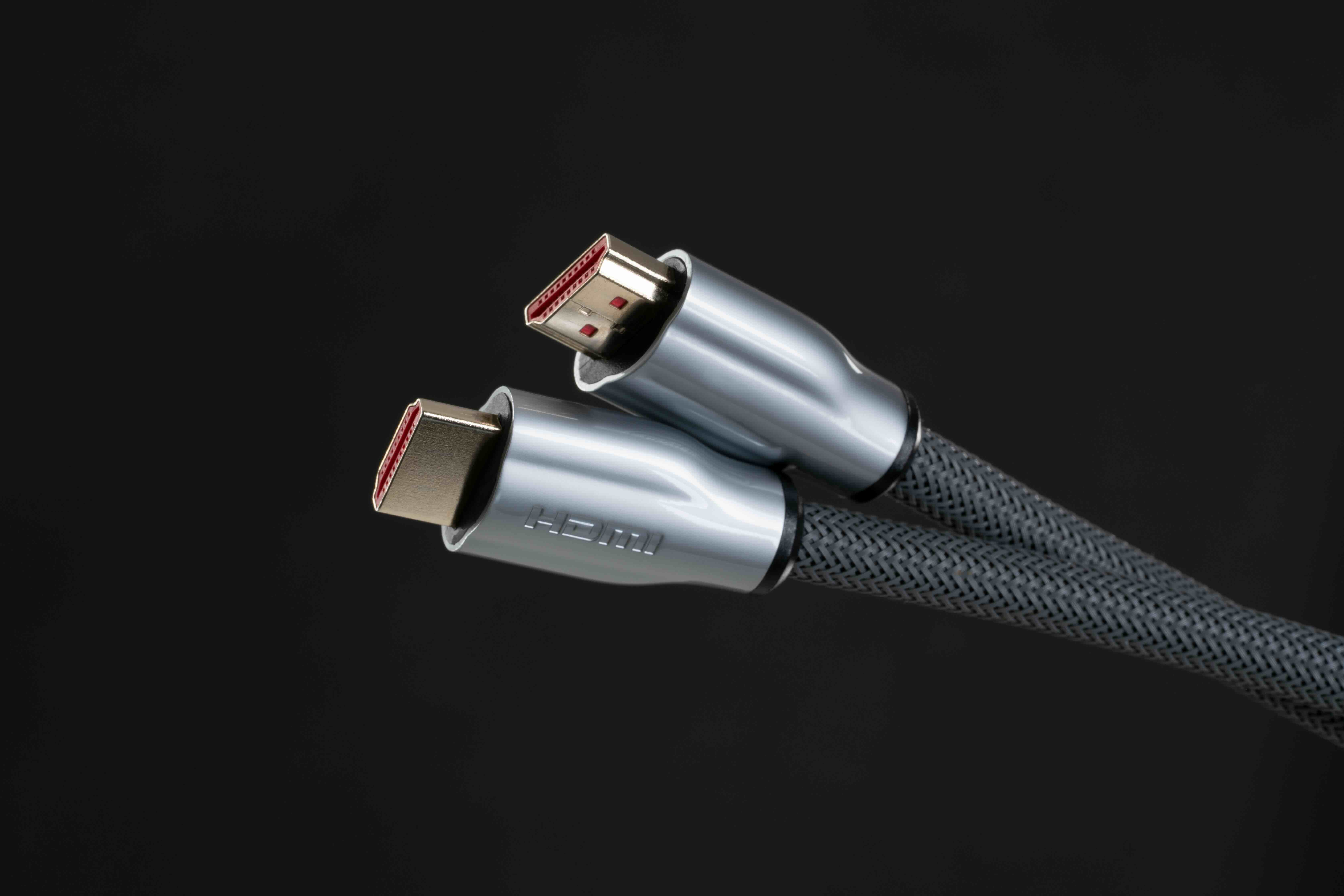
Do All HDMI Cables Support 4K? Here Is What You Actually Need to Know
Short answer -- no, not all HDMI cables support 4K. And honestly, that surprises a lot of people. You would think a cable is a cable, right? Plug it in, it works. But HDMI has gone through several generations of specification updates, and the version of cable you are using matters more than most people realize -- especially if you are trying to get a clean 4K signal from a source device to a display. This article breaks down exactly what differentiates an HDMI cable that can handle 4K from one that cannot, what the specifications actually mean in practical terms, and how to make sure you are buying the right cable the first time.
A Quick History of HDMI Cable Versions
HDMI -- High-Definition Multimedia Interface -- was first introduced in 2002. Back then, the goal was simple: replace multiple analog cables with a single digital connection that could carry both audio and video. Since then, the specification has been revised multiple times. HDMI 1.0 through 1.2 supported up to 1080i. HDMI 1.3 and 1.4 introduced support for 1080p and, eventually, 4K at 24 and 30 frames per second. HDMI 2.0 raised the ceiling to 4K at 60Hz, which is where most modern content actually lives. Then HDMI 2.1 pushed further still -- supporting 4K at 120Hz and even 8K at 60Hz. So if someone hands you a cable from 2010 and tells you it is fine for 4K gaming or streaming, you should probably test that claim before trusting it.
What Makes a Cable 4K Compatible
The core factor is bandwidth. Bandwidth is the amount of data a cable can transmit per second, measured in gigabits per second (Gbps). A standard 4K signal at 60Hz with HDR requires somewhere around 18 Gbps of bandwidth. Older HDMI 1.4 cables max out at around 10.2 Gbps -- enough for 4K at 30Hz but not 60Hz with color depth intact. HDMI 2.0 cables support up to 18 Gbps, which covers most 4K use cases. HDMI 2.1 cables push that ceiling to 48 Gbps, enabling 4K/120Hz, 8K, and Variable Refresh Rate support. The cable category also matters here -- Standard, High Speed, Premium High Speed, and Ultra High Speed HDMI are the official designations, and each maps to a different bandwidth ceiling.
Understanding HDMI Cable Categories
The HDMI Licensing Administrator defines four main cable categories. Knowing these makes buying decisions a lot cleaner.
- Standard HDMI Cable -- supports up to 5 Gbps, designed for 720p and 1080i content
- High Speed HDMI Cable -- supports up to 10.2 Gbps, suitable for 1080p and 4K at 24/30Hz
- Premium High Speed HDMI Cable -- supports up to 18 Gbps, verified for 4K at 60Hz with HDR
- Ultra High Speed HDMI Cable -- supports up to 48 Gbps, built for 4K/120Hz, 8K, and HDMI 2.1 features
If you are setting up a 4K home theater or a 4K gaming rig, you want at minimum a Premium High Speed cable. If you are connecting a PlayStation 5 or Xbox Series X for high frame rate gaming, you need Ultra High Speed. The labeling on the packaging -- not just the HDMI version number -- is your best guide here.
Common Misconceptions About HDMI Cables
There are a few persistent myths worth clearing up. First, the physical connector does not tell you anything about the cable's bandwidth capacity. An HDMI 2.1 port on your TV does not automatically mean the cable you plugged into it is HDMI 2.1 compliant. The cable has to be rated for it independently. Second, cable length can affect signal quality -- longer cables may require active signal boosting to maintain a clean 4K feed over distances beyond 15 to 20 feet. Third, the price of a cable does not directly equal performance. There are expensive cables with excessive marketing claims and very affordable cables that are properly spec'd and certified. The certification matters far more than the price point.
When Older Cables Will and Will Not Work
Here is where it gets practical. If you are watching 4K Netflix on a smart TV with built-in streaming, the cable only needs to handle the connection between your receiver and display -- and if the source is not outputting above 30Hz or heavy HDR, an older High Speed cable might technically work. But if you are passing a 4K/60Hz signal from a 4K Blu-ray player through an AV receiver to a display, every link in that chain needs to support 18 Gbps or you will get signal dropouts, degraded color, or no picture at all. The weakest cable in the chain sets the ceiling. That is something worth remembering during any setup or upgrade.
How to Check If Your HDMI Cable Supports 4K
Check the packaging or the cable itself. Premium High Speed and Ultra High Speed cables typically carry certification labeling from HDMI.org. You can also look up the model number from the manufacturer. If you are unsure, the safest move is to replace cables that are more than five years old when setting up a 4K system -- particularly if they came bundled with older equipment. A simple swap to a verified Premium High Speed cable costs very little and eliminates a major variable when troubleshooting picture quality issues.
Does Cable Length Affect 4K Performance
Yes, and it is worth paying attention to. Passive HDMI cables rely on the copper conductors inside to carry the signal without amplification. At shorter lengths -- typically under 15 feet -- this works reliably for 4K signals even at 60Hz. Beyond that, signal degradation can become a real issue. For longer runs, active HDMI cables use built-in chips to boost and clean the signal, making them far more reliable at 20, 25, or even 50 feet. If you are running cable behind walls or across large rooms, active cables or fiber optic HDMI cables are the right tools for the job. Trying to stretch a passive cable beyond its effective range to save a few dollars usually creates more problems than it solves.
4K HDR and the Bandwidth Demand It Creates
HDR -- High Dynamic Range -- is one of those features that looks incredible on a compatible display but demands more from your cable infrastructure than standard color ever did. Formats like HDR10, Dolby Vision, and HDR10 Plus require the cable to carry additional metadata alongside the video signal. At 4K/60Hz, HDR essentially requires the full 18 Gbps that Premium High Speed cables are rated for. If your cable cannot carry that load, you might get 4K resolution without HDR engaged, or you might see the display default to a lower resolution entirely. This is exactly why Premium High Speed certification exists -- it is the reliable baseline for modern 4K HDR content delivery.
Why Monoprice HDMI Cables Deliver the 4K Performance You Need Without Overpaying
When it comes to sourcing HDMI cables that are actually spec'd for the job, Monoprice has built a well-earned reputation as one of the most reliable options in the market. Whether you need a Premium High Speed cable for a 4K home theater or an Ultra High Speed cable for a next-generation gaming setup, the lineup is extensive, clearly labeled, and priced to make high performance accessible. Monoprice cables are certified where certification matters -- meaning you are not guessing about bandwidth ratings or trusting vague packaging claims. For anyone who wants to shop with confidence and skip the guesswork, Monoprice HDMI cables for 4K and Ultra High Speed performance represent exactly the kind of value-forward, spec-honest purchasing decision that makes a real difference in any AV setup. Premium performance does not have to come with a premium markup -- and Monoprice proves that point consistently across its entire cable lineup.
Frequently Asked Questions
Do all HDMI cables support 4K resolution?
No. Only High Speed, Premium High Speed, and Ultra High Speed HDMI cables are capable of supporting 4K content. Standard HDMI cables max out at 1080i and are not suitable for 4K signals.
What HDMI version do I need for 4K at 60Hz?
You need an HDMI 2.0 or higher cable rated for at least 18 Gbps of bandwidth. This corresponds to the Premium High Speed HDMI category, which is verified for 4K at 60Hz with HDR support.
Can I use an old HDMI cable for 4K TV?
It depends on the age and rating of the cable. Cables from before 2013 are unlikely to support 4K at 60Hz. If the cable predates HDMI 2.0 compliance, it should be replaced for a reliable 4K experience.
What is the difference between Premium High Speed and Ultra High Speed HDMI?
Premium High Speed HDMI supports up to 18 Gbps and handles 4K at 60Hz with HDR. Ultra High Speed HDMI supports up to 48 Gbps and is required for 4K at 120Hz, 8K resolution, and HDMI 2.1 features like Variable Refresh Rate.
Does cable length matter for 4K HDMI signals?
Yes. Passive HDMI cables are reliable for 4K up to about 15 feet. Beyond that, signal integrity can degrade and active cables or fiber optic HDMI cables are recommended for longer runs.
Do I need a special HDMI cable for 4K HDR?
Yes. 4K HDR content requires a minimum of 18 Gbps bandwidth, which means you need at least a Premium High Speed HDMI cable. Using an older or lower-rated cable may result in the HDR feature being disabled or the resolution dropping.
How can I tell if my HDMI cable is 4K compatible?
Check the cable packaging for the Premium High Speed or Ultra High Speed HDMI label. Cables certified by HDMI.org will carry verified labeling. If the packaging is missing, look up the model number on the manufacturer's website.
Is an expensive HDMI cable always better for 4K?
Not necessarily. Cable performance is determined by certification and bandwidth rating, not price. A certified Premium High Speed cable at an affordable price point delivers the same 4K signal quality as a significantly more expensive alternative with the same spec.
Can a bad HDMI cable cause 4K picture problems?
Yes. An underpowered or degraded HDMI cable can cause signal dropouts, flickering, color banding, reduced resolution output, or complete loss of signal when trying to pass 4K content.
Do HDMI cables need to match on both ends of the connection?
The cable itself needs to support the bandwidth required by the signal you are passing. The ports on your devices set the maximum possible specification, but the cable must meet or exceed that spec for the connection to perform correctly. A lower-rated cable between two high-spec devices will bottleneck the signal.


