

DisplayPort Test Cable Guide: Diagnose Display Issues Fast
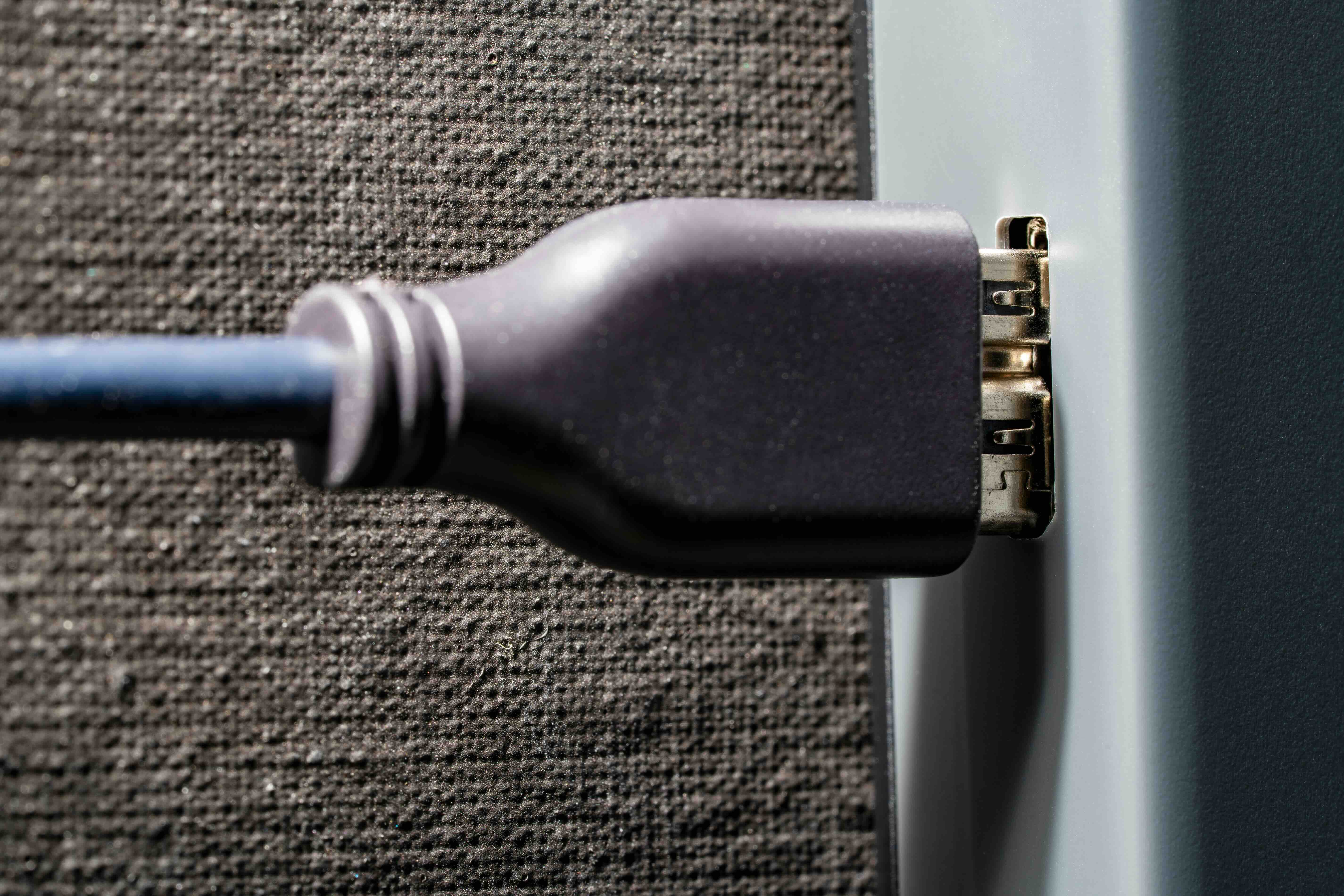
What Is a DisplayPort Test Cable and Why Does It Matter?
If you work in AV integration, IT infrastructure, or even just deal with display setups on a regular basis, you have probably run into a situation where you are not entirely sure if a cable is the problem or the display is the problem. That is honestly where a test DisplayPort cable earns its place. A test DisplayPort cable is a cable specifically used to verify signal integrity, diagnose connection issues, and confirm that a DisplayPort source or display is functioning correctly. It is not always a special or proprietary product, but the purpose it serves in a troubleshooting context is specific enough that knowing what to look for matters a lot. DisplayPort itself is a digital audio and video interface standard developed by VESA, and it has become one of the most widely used connection types in professional and consumer display environments alike.
How DisplayPort Technology Actually Works
DisplayPort uses a packetized data transmission method, which is a bit different from how HDMI handles signal delivery. Instead of sending a continuous stream, DisplayPort breaks data into packets, similar to how network data travels. This makes it highly adaptable and capable of supporting very high resolutions, high refresh rates, and multi-display configurations through a single cable. The interface uses a main link consisting of one, two, or four lanes depending on the version, and it communicates with the display through an auxiliary channel that handles handshaking and device discovery. DisplayPort 1.4 supports up to 8K resolution and HDR. DisplayPort 2.1, the current standard, pushes that further with support for 16K at 60Hz under ideal conditions. Understanding this is useful when testing, because a cable that works fine at 1080p might fail under the bandwidth demands of 4K or 8K.
Why You Might Need to Test a DisplayPort Cable
Cable failures are more common than people expect, and they rarely announce themselves clearly. You might see flickering, signal dropout, no image at all, or a display that simply will not be recognized by the source device. Before assuming the GPU or monitor is defective, isolating the cable is always a smart first step. Testing a DisplayPort cable involves swapping it with a known-good cable to rule it out, using a signal tester or analyzer tool designed for DisplayPort, or checking for physical damage at the connector and along the cable jacket. If you are managing a fleet of workstations or running an AV installation in a commercial space, having a reliable test cable on hand saves time, reduces callbacks, and keeps troubleshooting methodical rather than guesswork-driven.
Key Advantages of Using a Dedicated Test Cable
There are a few real benefits to having a dedicated DisplayPort cable set aside for testing purposes specifically, rather than just grabbing any cable from a drawer. Consistency is the biggest one. When your test cable is verified and trusted, it becomes a reliable baseline for every diagnostic session. Other advantages worth knowing:
- Known-good baseline eliminates cable as a variable during troubleshooting
- Reduces the risk of misdiagnosing expensive hardware as faulty
- Supports faster resolution of display issues in professional environments
- Helps verify that a new display or GPU is functioning correctly right out of the box
- Useful for validating cable runs in permanent installations before finalizing a setup
That last point is something integrators especially appreciate. Running cable through walls or conduit and then discovering a fault afterward is an expensive problem. Testing with a trusted cable first saves that headache entirely.
Common Drawbacks and Limitations to Keep in Mind
Using a standard DisplayPort cable as a test cable does have some limitations. First, a cable that passes basic signal tests at lower resolutions may still fail at higher bandwidth demands, so testing at the actual intended resolution and refresh rate matters. Second, not all test cables are created equal. A cheap or poorly constructed cable might introduce signal issues that do not reflect the actual state of the hardware you are testing. Third, DisplayPort cables are not universally interchangeable across all versions without checking compatibility. A DisplayPort 1.2 cable used to test a DisplayPort 2.1 setup will not tell you much about the full capability of that connection. Also worth noting, locking connector mechanisms on some cables can cause physical damage to ports if the cable is removed without releasing the latch, which is a genuine concern in high-cycle test environments.
DisplayPort Cable Versions and What They Support
Choosing the right cable version for your testing scenario is not optional, it is actually foundational. Here is a quick breakdown of where each version lands in terms of capability:
- DisplayPort 1.2 supports up to 4K at 60Hz and is common in older professional setups
- DisplayPort 1.4 adds HDR support and increases bandwidth to handle 8K at 30Hz or 4K at 120Hz
- DisplayPort 2.0 and 2.1 push bandwidth dramatically higher, supporting 8K at 60Hz and beyond with UHBR cable certification
The cable itself must be rated to match the version you are testing against. VESA introduced the UHBR certification for DisplayPort 2.0 and higher cables, covering UHBR10, UHBR13.5, and UHBR20 tiers. If you are testing a modern high-refresh gaming monitor or a professional 8K display, your test cable needs to be certified to carry that bandwidth or the test results will be unreliable at best and misleading at worst.
Practical Tips for Testing DisplayPort Cables Correctly
Getting accurate results from a DisplayPort cable test requires a bit of method. First, always test at the intended resolution and refresh rate of the final deployment. Second, inspect the connector pins and housing before and after each test cycle since bent or oxidized pins are a frequent failure point. Third, keep your test cable stored in a way that prevents stress on the connector ends. Coiling too tightly or leaving weight on the cable can damage the internal conductors over time, which defeats the purpose of having a reliable test unit. If you are using a dedicated signal analyzer or EDID emulator in your testing workflow, make sure the device supports the DisplayPort version you are working with. And if you are testing in a production environment, document what passed and what did not. It sounds basic, but it matters when you are troubleshooting a recurring issue weeks later.
Passive vs. Active DisplayPort Cables in a Testing Context
This is worth a separate mention because it trips up a lot of people. Passive DisplayPort cables are the standard option and work fine for most connections within typical length ranges, usually up to about three meters for high bandwidth applications. Active cables include a chipset that amplifies and re-clocks the signal, allowing them to run longer distances or support specific adapter configurations like DisplayPort to HDMI or DisplayPort to VGA. When using a test cable, passive is generally preferred for diagnostic accuracy because active cables introduce their own variables. If an active cable fails a test, you do not always know if the cable itself is the problem or if the active component inside it has failed. For clean, controlled testing, passive cables at an appropriate length give you the most straightforward read on what is actually happening in the signal chain.
Why Monoprice Is a Smart Choice for DisplayPort Test Cables
When you are building out a reliable testing kit or sourcing cables for a larger installation, the brand and build quality of the cable you trust as your baseline actually matter quite a bit. Monoprice has built a well-earned reputation in both the consumer and professional AV markets for delivering high-performance cables and connectivity products at pricing that makes sense for teams managing real budgets. Their DisplayPort cable lineup spans multiple versions and length configurations, so whether you need a short bench-test cable or something to run across a longer display setup, the options are there. The quality control is consistent, the specifications are clearly documented, and the value relative to price is genuinely hard to argue with. If you are putting together a professional testing kit or simply want cables you can trust for every diagnostic session, browsing the full range of DisplayPort cables and professional AV connectivity solutions from Monoprice is a practical starting point that covers the range of needs most integrators and IT pros deal with daily. For teams doing this work at scale, cost-effective sourcing without sacrificing reliability is exactly where Monoprice consistently delivers.
Frequently Asked Questions About Test DisplayPort Cables
What is a DisplayPort test cable used for?
A DisplayPort test cable is used to verify signal integrity and diagnose display connection issues. By using a known-good cable, technicians can rule out the cable as a source of problems before testing other components like the GPU or monitor.
How do I know if my DisplayPort cable is bad?
Common signs of a failing DisplayPort cable include screen flickering, intermittent signal loss, no display output, or the monitor not being recognized by the connected device. Swapping in a verified test cable is the fastest way to confirm whether the cable is at fault.
Does cable version matter when testing DisplayPort connections?
Yes, cable version matters significantly. A DisplayPort 1.2 cable cannot reliably test a setup designed for DisplayPort 2.1 performance. Always use a cable rated for the version and bandwidth requirements of the connection you are diagnosing.
Can I use any DisplayPort cable as a test cable?
Technically yes, but the cable you use for testing should be verified as functional and rated appropriately for the connection you are testing. Using an unknown or untested cable as your diagnostic baseline defeats the purpose of the test.
What is the difference between passive and active DisplayPort cables?
Passive cables transmit signal without internal amplification and are best for shorter runs. Active cables contain a chipset that boosts or re-clocks the signal for longer distances. For diagnostic testing, passive cables are generally preferred because they introduce fewer variables.
How long can a DisplayPort cable be before signal quality degrades?
For passive DisplayPort cables, signal integrity is generally reliable up to about three meters at high bandwidth settings. Longer runs may require active cables or fiber-based DisplayPort solutions to maintain consistent signal quality.
What does UHBR mean on a DisplayPort cable?
UHBR stands for Ultra High Bit Rate and refers to the cable certification tiers introduced with DisplayPort 2.0. UHBR10, UHBR13.5, and UHBR20 designations indicate the maximum bandwidth the cable is certified to carry, which is critical for 8K and high-refresh-rate applications.
Is DisplayPort better than HDMI for high-resolution displays?
DisplayPort generally supports higher bandwidth and more flexible multi-display configurations than HDMI, particularly at higher resolutions and refresh rates. DisplayPort 2.1 outpaces HDMI 2.1 in raw bandwidth capacity, making it the preferred choice for high-performance display environments.
Can a DisplayPort cable affect display refresh rate?
Yes. If a cable is not rated for the bandwidth required by a specific resolution and refresh rate combination, the display may default to a lower refresh rate or fail to connect entirely. This is why matching cable version to display requirements is essential.
How should I store a DisplayPort test cable to keep it reliable?
Store it loosely coiled to avoid stress on internal conductors, keep the connectors capped or protected when not in use, and avoid placing weight or tension on the cable ends. Proper storage keeps your test cable functioning as a reliable diagnostic baseline over time.


