

DisplayPort Cables for Pro-Grade Video and Audio Quality
What Is a DisplayPort Cable and Why Does It Matter?
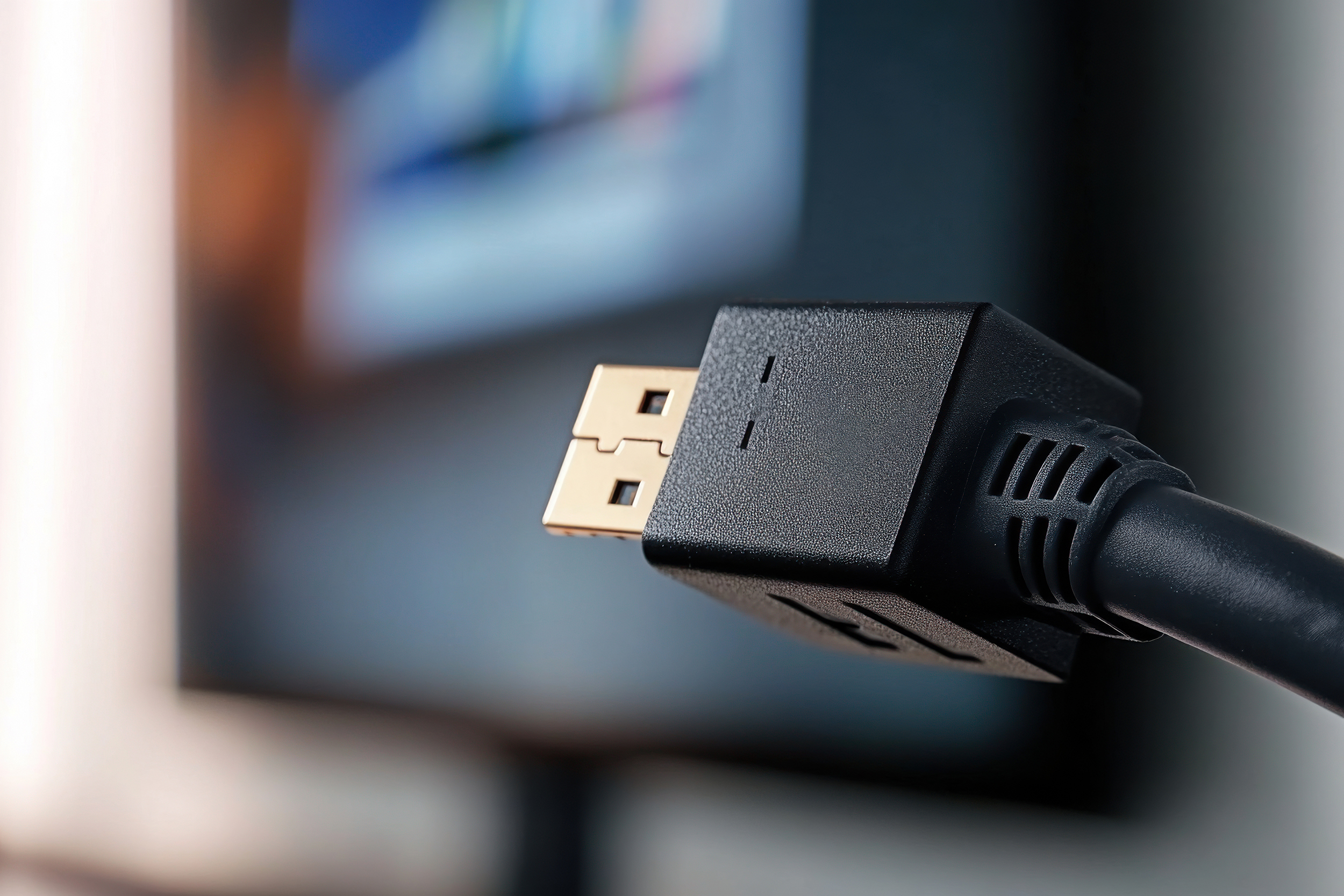
If you have ever set up a monitor, a gaming rig, or a workstation and stared at the back of your GPU wondering which cable to use, you are not alone. DisplayPort is one of those things that gets overlooked until it suddenly matters a lot. A DisplayPort cable is a digital audio and video interface cable used to connect a source device, like a computer or graphics card, to a display, like a monitor or projector. It was developed by VESA, the Video Electronics Standards Association, and it has become the go-to connection standard for high-performance computing and professional display setups. Unlike HDMI, which was originally designed for consumer home theater use, DisplayPort was built from the ground up with PC and professional AV environments in mind. That distinction matters more than people realize, especially once you start pushing higher resolutions and faster refresh rates.
How a DisplayPort Cable Actually Works
Here is where it gets a little technical, but stay with it because the basics are genuinely useful to understand. DisplayPort uses a packet-based data transmission protocol, which is different from the fixed clock signals used by older analog and even some digital standards. This approach makes it more flexible and scalable over time. The signal travels through what are called lanes, and depending on the version of DisplayPort you are using, you may have access to different bandwidth ceilings. DisplayPort 1.4, for example, supports up to 32.4 Gbps of bandwidth, which is enough to push 8K resolution at 60Hz or 4K at 144Hz with HDR enabled. DisplayPort 2.1, the newest standard, pushes that bandwidth ceiling dramatically higher, reaching up to 80 Gbps. The cable also carries audio natively, so a single cable handles both your video and multi-channel audio output without needing a separate connection. The connector itself has a distinctive asymmetrical shape with a locking mechanism on one side, which helps prevent accidental disconnects during use. There is also a smaller variant called Mini DisplayPort, which appears on some laptops and older Mac systems.
DisplayPort vs. HDMI: Understanding the Key Differences
This comparison comes up constantly and for good reason. Both standards move digital video and audio, but they are optimized for different use cases. HDMI is widely used in televisions, streaming devices, and home theater systems. DisplayPort is dominant in desktop computing, professional monitors, and multi-display configurations. One of the most practical advantages DisplayPort has over HDMI is the ability to daisy-chain multiple monitors from a single port using Multi-Stream Transport, or MST. That means you can connect several displays in sequence from one output, which is a significant workflow advantage for editors, developers, and power users. DisplayPort also tends to support higher refresh rates at higher resolutions when comparing cables rated at the same version. For a gaming monitor running at 1440p and 165Hz, DisplayPort is almost always the preferred connection. That said, if your display only has HDMI inputs, the choice is made for you. The point is to know which interface gives you the most headroom for what you actually need.
Key Advantages of Using a DisplayPort Cable
There are several reasons professionals and serious users default to DisplayPort when given the choice. Understanding these advantages makes it easier to justify the decision and set up your workspace correctly from the start.
Higher bandwidth capacity supports resolutions up to 8K at 60Hz or 4K at 144Hz and beyond Native support for variable refresh rate technologies like AMD FreeSync and NVIDIA G-Sync Multi-monitor daisy chaining through MST without needing additional hardware Single cable solution for both high-fidelity audio and video Locking connector design reduces accidental disconnection Adaptive sync compatibility with modern GPUs for tear-free gaming and smoother video playbackThese are not just spec sheet bullet points. In practice, a well-made DisplayPort cable means fewer dropped frames, smoother motion in creative applications, and a more reliable connection over the long haul. For anyone running a multi-monitor setup or working with high-resolution content, the performance difference compared to a lower-bandwidth alternative is tangible.
Common Drawbacks and Limitations to Know
No technology is without trade-offs and DisplayPort is not exempt from that rule. The connector, while secure, can be slightly more difficult to insert and remove compared to HDMI because of the latch mechanism. It takes a moment to get used to pressing the release tab before pulling the cable out. Additionally, DisplayPort is less common on televisions, which means if you are connecting a PC to a TV rather than a monitor, you may still need HDMI. Passive DisplayPort to HDMI adapters exist and work fine for most scenarios, but active adapters are required in some higher-bandwidth configurations, and that adds a small cost. Cable quality also varies significantly across the market. A low-quality cable claiming to support DisplayPort 1.4 specifications may not actually sustain reliable signal integrity at the bandwidth levels advertised. This is where sourcing from a reputable manufacturer genuinely pays off. Long cable runs can also introduce signal degradation unless the cable is rated for that distance or uses active signal boosting.
Choosing the Right DisplayPort Cable for Your Setup
The right cable depends on what you are trying to accomplish. If you are running a standard 1080p or 1440p monitor at 60Hz, a well-built DisplayPort 1.2 cable covers that without issue. Step up to 4K at 120Hz or higher, and you want a cable certified for DisplayPort 1.4 or better. Anyone investing in an 8K display or a high-refresh 4K gaming setup should look at cables built to DisplayPort 2.1 specifications. Cable length matters too. For desktop setups, a 3 to 6 foot cable is typically sufficient and maintains excellent signal integrity. Longer runs of 10 feet or more should use cables specifically rated for that distance. Active cables or fiber optic DisplayPort cables are available for very long runs in commercial or professional installation environments. Always verify that the cable you purchase is actually certified or verified to the spec it claims, not just labeled with a version number for marketing purposes.
DisplayPort in Professional and Commercial Environments
Beyond the home office and gaming setup, DisplayPort has carved out a strong presence in enterprise and professional AV environments. Broadcast studios, post-production facilities, engineering workstations, and financial trading desks all rely heavily on multi-monitor configurations where DisplayPort's daisy chaining and high-bandwidth capabilities provide real workflow value. Digital signage installations increasingly use DisplayPort as well, particularly where sharp, high-resolution content must be delivered reliably over extended periods. In these environments, cable build quality, shielding, and connector durability are not optional considerations. They are requirements. A cable failure during a live production or a critical client presentation is not just inconvenient. It is a problem with real professional consequences. This is exactly the context where investing in a quality cable from a trusted source makes sound business sense.
Practical Tips Before You Buy or Install
A few things worth keeping in mind before you make a purchase or swap out a cable in your current setup. First, check the DisplayPort version supported by both your graphics card and your monitor. The connection will default to the lower of the two versions, so if your monitor supports 1.4 but your GPU only outputs 1.2, you are limited by the GPU. Second, if you are using a USB-C to DisplayPort cable or adapter, confirm that the USB-C port on your device actually supports DisplayPort Alt Mode. Not all USB-C ports do. Third, test the cable once it is installed. Run a resolution and refresh rate check through your display settings to confirm the connection is operating at the intended spec. If the settings are not reflecting what you expect, the cable or the port may not be functioning correctly. Finally, do not fold or kink the cable sharply near the connectors. That is the most common point of failure and it is entirely preventable.
Why Monoprice Should Be Your Source for DisplayPort Cables
When it comes to high-performance display cables, the brand behind them is just as important as the spec on the label. Monoprice has spent years building a reputation as a reliable source for AV professionals, integrators, system builders, and everyday users who want premium performance without the inflated price tag. The DisplayPort cable lineup from Monoprice is engineered to deliver on what it claims, whether that is rock-solid 8K resolution, consistent 4K at high refresh rates, or dependable multi-monitor performance in a demanding workstation environment. If you are serious about your display setup and want cables that actually meet their rated specifications, exploring the full range of professional DisplayPort cables and high-performance video connectivity solutions from Monoprice is a smart next step. The value proposition is clear: verified performance, solid construction, and pricing that respects your budget without compromising what you need most from your connection.
Frequently Asked Questions About DisplayPort Cables
What is a DisplayPort cable used for?
A DisplayPort cable is used to transmit high-quality digital video and audio from a source device, such as a computer or graphics card, to a display device like a monitor, projector, or television. It is commonly used in desktop computing, gaming setups, and professional workstations.
Is DisplayPort better than HDMI for monitors?
For PC monitors, especially those running high refresh rates or resolutions above 4K, DisplayPort generally offers more bandwidth and better performance than HDMI at comparable version levels. DisplayPort also supports daisy chaining multiple monitors, which HDMI does not support natively.
What resolution does a DisplayPort cable support?
DisplayPort 1.4 supports up to 8K resolution at 60Hz and 4K at 144Hz. DisplayPort 2.1 extends that capability further, supporting 8K at 120Hz and beyond depending on the display and source hardware. The actual resolution depends on the version of the cable and connected devices.
Can I use a DisplayPort cable for audio as well as video?
Yes. DisplayPort natively carries multi-channel audio alongside video through the same single cable. You do not need a separate audio connection when using a DisplayPort cable between a compatible source and display.
What is the difference between DisplayPort 1.4 and DisplayPort 2.1?
DisplayPort 1.4 offers a maximum bandwidth of 32.4 Gbps, while DisplayPort 2.1 delivers up to 80 Gbps. This makes DisplayPort 2.1 capable of supporting higher resolutions, faster refresh rates, and more advanced HDR formats. For most current setups, 1.4 is sufficient, but 2.1 is the forward-looking standard.
How long can a DisplayPort cable be without losing signal quality?
Passive DisplayPort cables typically maintain reliable signal integrity up to about 10 feet. For longer runs, active DisplayPort cables or fiber optic variants are recommended to prevent signal degradation. Always check the cable's rated length before purchasing for a longer installation.
Does DisplayPort support variable refresh rate technologies like G-Sync and FreeSync?
Yes. DisplayPort supports adaptive sync, which is the foundation for both AMD FreeSync and NVIDIA G-Sync. These technologies reduce screen tearing and improve smoothness during gaming and video playback by synchronizing the display's refresh rate with the GPU's output.
What does daisy chaining mean with DisplayPort?
Daisy chaining refers to the ability to connect multiple monitors in a series from a single DisplayPort output using a feature called Multi-Stream Transport. Each monitor passes the signal to the next, allowing you to run several displays without needing a separate port for each one.
Are all DisplayPort cables the same quality?
No. Cable quality varies significantly. A cable may be labeled as DisplayPort 1.4 but fail to maintain signal integrity at the full bandwidth that specification requires. It is important to purchase cables from reputable manufacturers that test and certify their products to the advertised standard.
Can I connect a DisplayPort cable to an HDMI port?
Not directly, since the connectors and signal protocols differ. However, adapters and adapter cables exist that convert DisplayPort to HDMI. Passive adapters work for most standard use cases, while active adapters are needed for higher-bandwidth or multi-display configurations.


