

Cat6 RJ45 Wiring and Grounding Guide for Reliable Networks
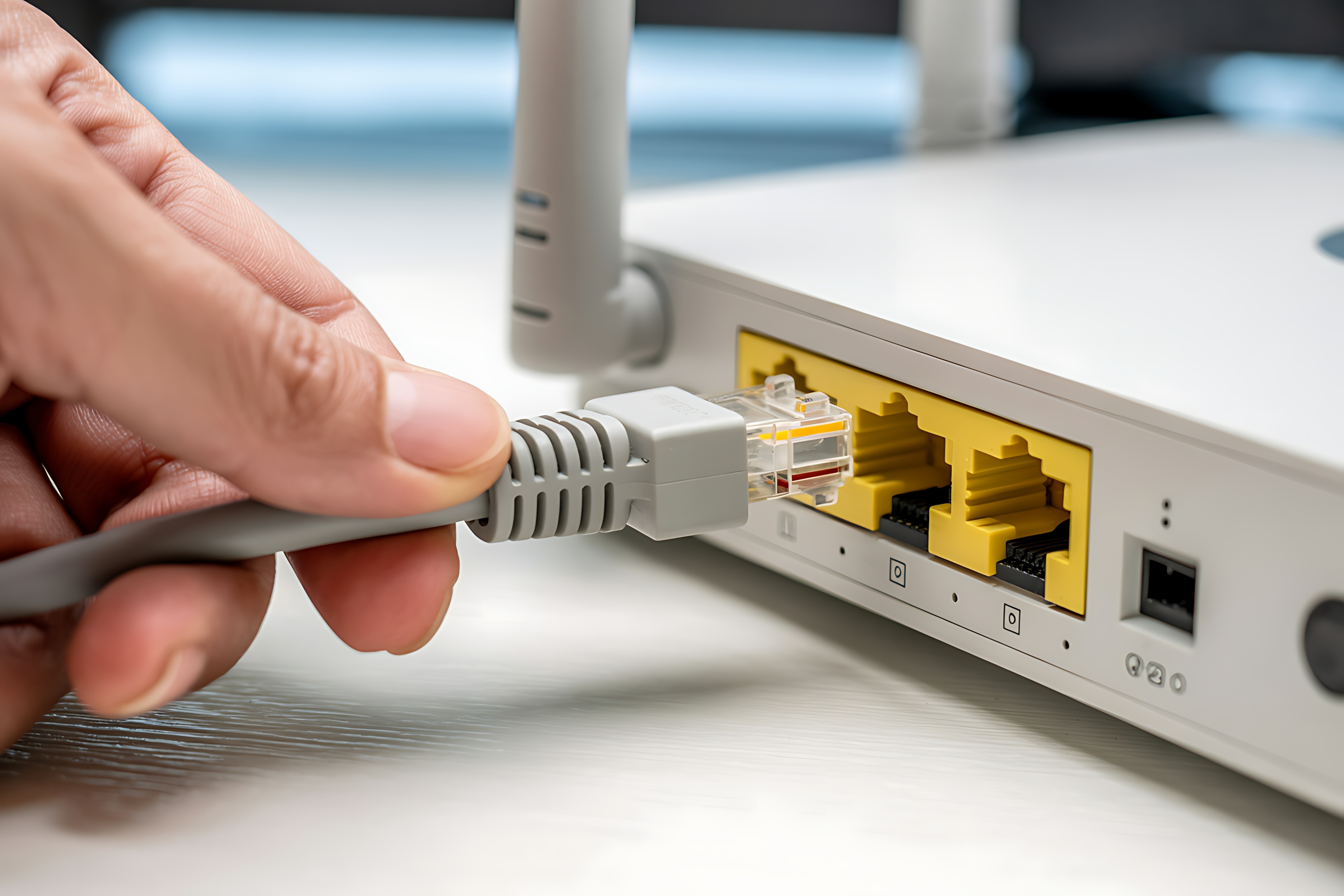
What Is Cat6 RJ45 Wiring and Why Does It Matter for Your Network?
Cat6 RJ45 wiring is the backbone of most modern wired network installations, whether you are setting up a home office or running cable through a commercial building. Cat6 refers to the sixth generation of twisted pair Ethernet cable, and RJ45 is the standardized connector used to terminate that cable. Together, they form the physical layer of a local area network. Cat6 cable supports speeds up to 10 Gbps over shorter distances, typically up to 55 meters, and up to 1 Gbps over the full 100-meter run. It is a significant step up from Cat5e in terms of bandwidth capacity, crosstalk reduction, and overall signal reliability. If you are wiring a new space or upgrading an older installation, understanding how this system works is foundational to getting results that actually hold up under real-world conditions.
How Cat6 RJ45 Wiring Actually Works
Inside a Cat6 cable, you have four pairs of twisted copper conductors, eight wires total. Each pair is twisted at a specific rate to cancel out electromagnetic interference between adjacent pairs, which is called crosstalk. Cat6 cable often includes a spline or internal separator that physically keeps pairs apart, adding another layer of interference protection compared to earlier standards. The RJ45 connector has eight pins, each corresponding to one of those eight conductors. The wiring sequence inside the connector follows a standardized color code, and getting that sequence right is not optional. Miswire even one pin and the connection may be degraded or completely non-functional. The whole system is a carefully engineered balance of physical geometry and electrical properties, which is why installation technique genuinely matters.
T568A vs T568B Wiring Standards Explained
This is where a lot of people get tripped up, and honestly it is worth slowing down here. There are two accepted wiring standards for Cat6 RJ45 terminations: T568A and T568B. Both are correct, but they are not interchangeable within the same run. T568B is the more widely used standard in commercial North American installations. T568A is often specified in government projects and is also recognized internationally. The difference is in the arrangement of the orange and green wire pairs. When both ends of a cable use the same standard, you get a straight-through patch cable. When you intentionally wire one end T568A and the other T568B, you create a crossover cable. For modern networks, most devices use auto-MDI/MDIX and can negotiate the connection automatically, so crossover cables are less critical than they used to be. Still, knowing which standard you are following and being consistent across an entire installation avoids confusion during troubleshooting later.
Cat6 Color Code Wiring Sequence for RJ45 Connectors
Using the T568B standard, which most installers default to, the pin-out from left to right with the clip facing down is as follows:
- Pin 1 - White/Orange
- Pin 2 - Orange
- Pin 3 - White/Green
- Pin 4 - Blue
- Pin 5 - White/Blue
- Pin 6 - Green
- Pin 7 - White/Brown
- Pin 8 - Brown
For T568A, pins 1 and 2 use the white/green and green pair, while pins 3 and 6 use the white/orange and orange pair. The remaining pins stay identical. Memorizing these sequences is useful, but using a wiring reference card or printed guide during installation eliminates guesswork entirely. The goal is accuracy every single time, not speed.
Grounding Cat6 Installations for Interference-Free Performance
Grounding is a topic that does not get enough attention in basic wiring guides, and that oversight causes real problems in real installations. Unshielded twisted pair Cat6, commonly labeled UTP, relies entirely on the twisted pair geometry for interference rejection. Shielded variants, including F/UTP, S/FTP, and SF/UTP, add a foil or braided shield around the pairs, the cable, or both. Shielded Cat6 offers significantly better protection in environments with high electromagnetic interference, such as industrial spaces, data centers near power equipment, or any run that travels alongside electrical conduit. For shielded cable to actually work as intended, the shield must be properly grounded at both ends. Improper grounding of shielded cable can actually make interference worse by turning the shield into an antenna. Ground the shield to a clean, dedicated earth ground through the patch panel or keystone jack, and make sure your entire infrastructure shares a common ground reference.
Common Wiring Mistakes That Degrade Cat6 Performance
Even experienced installers make errors that quietly kill network performance. The most common issues worth knowing before you start a run include:
- Untwisting wire pairs more than half an inch before termination, which increases crosstalk at the connector
- Exceeding the cable's minimum bend radius, which stresses the conductors and distorts the twist geometry
- Using a crimp tool that is worn or improperly adjusted, leading to inconsistent pin seating
- Mixing T568A and T568B within the same installation without documentation
- Failing to seat all eight conductors fully into the connector before crimping
- Running Cat6 parallel to high-voltage electrical lines without adequate separation or shielding
These are not rare edge cases. They are everyday installation mistakes that result in failed cable tests, intermittent dropouts, and hours of unnecessary troubleshooting. Doing it right the first time is faster than diagnosing a bad crimp three weeks after the drywall is closed.
Tools You Need for a Clean Cat6 RJ45 Termination
Getting a reliable termination is partly skill and partly having the right equipment. A quality ratcheting crimp tool specifically rated for Cat6 connectors is essential. Pass-through RJ45 connectors, which allow the wires to extend through the front of the connector before crimping, dramatically improve alignment and reduce pin seating errors. A cable stripper calibrated for Cat6 jacket thickness removes the outer sheath cleanly without nicking the insulation on the individual conductors. A cable tester, even a basic continuity tester, should be used on every run before it is put into service. For larger installations, a certifying tester that measures actual performance parameters against TIA-568 standards is worth every dollar. Reliable tools are not a luxury, they are what separates a clean installation from one that causes problems for years.
Key Advantages and Limitations of Cat6 for Network Installations
Cat6 is a strong choice for most modern wired network deployments, but it is worth being clear-eyed about what it does and does not offer. On the advantage side, Cat6 delivers 10 Gbps capability at shorter distances, improved alien crosstalk performance over Cat5e, broad compatibility with existing RJ45 infrastructure, and a relatively straightforward installation process when proper technique is used. On the limitation side, the 10 Gbps performance degrades significantly beyond 55 meters, the cable is stiffer than Cat5e and can be harder to route through tight spaces, and shielded variants require careful grounding to avoid compounding interference problems. Cat6A extends the 10 Gbps range to the full 100 meters and is a better long-term investment for high-bandwidth applications, though it is larger and more expensive. Cat6 hits the right balance for most residential and light commercial installations where run lengths stay reasonable and future bandwidth demands are manageable.
Why Monoprice Is the Right Source for Your Cat6 Networking Needs
When you are spec-ing out a network installation, the quality of your cable and connectors is not where you want to cut corners. Monoprice has built a respected reputation in the networking and AV industry by delivering high-performance products at pricing that makes sense for both individual installers and procurement teams sourcing for larger deployments. The Cat6 cables, patch panels, keystones, and accessories available through Monoprice meet the performance standards that professional installations require, without the inflated pricing that often comes with name-brand alternatives. Whether you are wiring a single home office or running cable throughout a multi-room commercial space, sourcing from a trusted supplier makes a measurable difference in consistency and long-term reliability. If you are building or upgrading a network and want products that perform, browse the full range of Cat6 Ethernet cables and RJ45 networking accessories at Monoprice to find everything you need from cable to connectors to testing tools, all from a single reliable source.
Frequently Asked Questions About Cat6 RJ45 Wiring and Grounding
What is the maximum speed supported by Cat6 cable?
Cat6 cable supports up to 10 Gbps at distances up to 55 meters and up to 1 Gbps at the full 100-meter standard run length. For 10 Gbps at longer distances, Cat6A is the appropriate choice.
What is the difference between T568A and T568B wiring?
T568A and T568B are both valid wiring standards for RJ45 connectors but differ in the arrangement of the orange and green wire pairs. T568B is more common in North American commercial installations. The key rule is to stay consistent within any single cable run.
Do I need shielded Cat6 cable for a home network?
In most residential environments, unshielded Cat6 performs well. Shielded Cat6 is more appropriate in spaces with significant electromagnetic interference, such as near industrial equipment, fluorescent lighting, or dense electrical infrastructure.
How do I properly ground a shielded Cat6 installation?
The cable shield must be connected to a clean earth ground at both ends through the patch panel or shielded keystone jack. Both ends must share a common ground reference to prevent the shield from acting as an interference antenna instead of a barrier.
Can I use Cat6 cable with Cat5e connectors or patch panels?
Technically the physical connector is the same RJ45 form factor, but Cat5e rated keystones and patch panels are not tested or rated to Cat6 performance specifications. For a certified Cat6 installation, use components rated specifically for Cat6.
What is the minimum bend radius for Cat6 cable?
The generally accepted minimum bend radius for Cat6 cable is four times the cable diameter. Exceeding this limit stresses the conductors and disrupts the twist geometry, which degrades performance and can cause intermittent failures.
How far can I untwist Cat6 wire pairs during termination?
You should untwist wire pairs no more than half an inch at the point of termination. Excessive untwisting increases crosstalk at the connector and can cause a run to fail performance certification tests even if continuity checks out.
What tools are required to terminate Cat6 RJ45 connectors correctly?
At minimum you need a ratcheting crimp tool rated for Cat6, a cable jacket stripper calibrated for Cat6 diameter, and a cable tester to verify each completed run. Pass-through RJ45 connectors are also highly recommended for cleaner, more consistent terminations.
Is Cat6 cable backward compatible with older network equipment?
Yes. Cat6 is fully backward compatible with Cat5e and Cat5 equipment. The cable will negotiate the connection at the highest speed both the cable and the connected devices support, so older hardware will simply operate at its rated speed.
What is the difference between Cat6 and Cat6A?
Cat6 supports 10 Gbps up to 55 meters, while Cat6A supports 10 Gbps for the full 100-meter run length. Cat6A also provides better alien crosstalk protection. The tradeoff is that Cat6A cable is larger, stiffer, and more expensive to install.


