

Cat Ethernet Cables: Which Category Does Your Network Need?
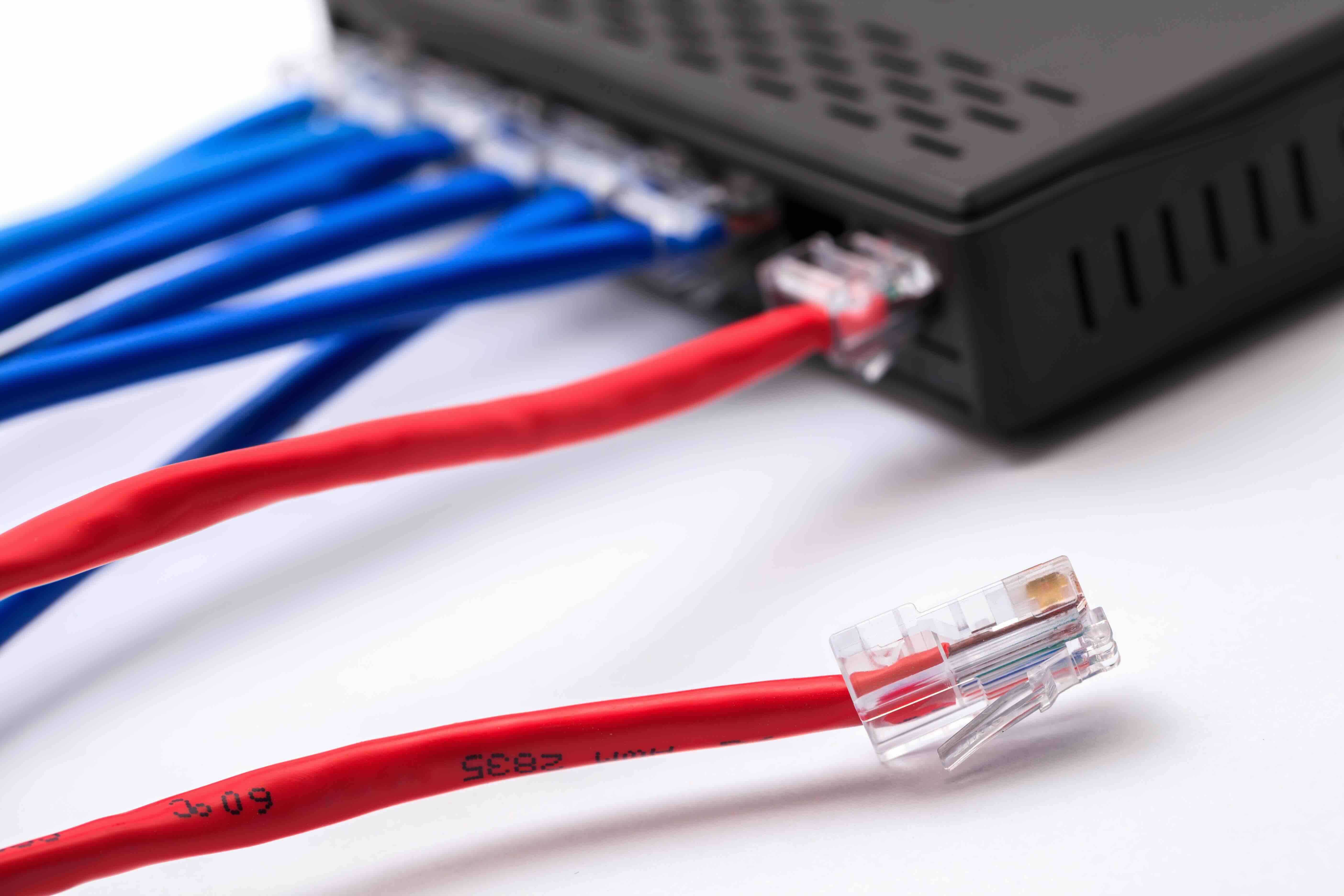
Cat Ethernet Cables Explained: Which Category Is Right for Your Network?
If you have ever stared at a wall of ethernet cables and thought, okay, which one do I actually need -- you are not alone. Cat3, Cat5, Cat5e, Cat6, Cat6A, Cat7, Cat8... it adds up fast. And honestly, picking the wrong one is not the end of the world, but it can mean slower speeds, more interference, or spending money on cable you did not need. So let us just walk through this clearly, category by category, so you can make a smart call and move on with your day.
What Is a Cat Ethernet Cable and How Does It Work?
Cat stands for Category. Each category refers to a specific set of technical specifications that define how fast data can travel through the cable and how well it handles interference over a given distance. Inside every ethernet cable, you have twisted pairs of copper wire. The twisting is not random -- it actually helps cancel out electromagnetic interference from adjacent wires and outside sources. The higher the category number, the tighter those twists tend to be, and the better the cable performs at higher frequencies. That is the core of it. Speed and noise rejection, scaled up with each generation.
Cat3 and Cat5: The Legacy Categories You Probably Do Not Need
Cat3 cable is genuinely old. It was the standard for telephone networks and early ethernet back in the 10BASE-T days, supporting up to 10 Mbps. Unless you are maintaining legacy phone infrastructure, there is almost no reason to buy it new today. Cat5 improved things significantly, pushing support up to 100 Mbps at 100 MHz. For its time, it was solid. But Cat5 has been phased out in favor of its successor, and you would be hard pressed to find a compelling reason to install it in a new setup. If you encounter Cat3 or Cat5 in an older building, the smart move is planning a future upgrade rather than expanding on it.
Cat5e: The Practical Baseline for Most Home Networks
Cat5e -- the "e" stands for enhanced -- is where things start to get genuinely useful for modern homes and small offices. It supports speeds up to 1 Gbps at 100 MHz, and it introduced better specifications for crosstalk suppression compared to standard Cat5. For most households streaming video, gaming, and handling everyday browsing, Cat5e gets the job done without overcomplicating things. It is affordable, widely available, and backward compatible. If you are wiring a single-family home and your internet service tops out around 500 Mbps or below, Cat5e is a completely reasonable choice. No need to overthink it.
Cat6: The Most Popular Choice for Modern Installations
Cat6 is probably the sweet spot for most people reading this right now. It supports 1 Gbps at up to 100 meters and can push 10 Gbps at shorter distances, typically up to 55 meters. It operates at 250 MHz and features tighter twisting and often an internal spline separator to reduce crosstalk even further. The tradeoff is that it is slightly thicker than Cat5e, which can make bending around tight corners a little more effort. Still, Cat6 is the go-to for new home builds, office spaces, and anyone planning for the next several years of network growth. It handles today's demands and has enough headroom for what is coming.
Cat6A: When You Need 10 Gbps Over the Full Distance
Cat6A -- augmented -- is the next step up, and it is the one that enterprise installers and data center professionals tend to reach for when 10 Gbps performance over the full 100-meter run is required. It operates at 500 MHz, doubles the bandwidth of standard Cat6, and offers significantly better alien crosstalk suppression. The downside is that Cat6A cable is noticeably thicker and stiffer, which affects installation in conduit or tight cable trays. It is also more expensive. But if you are running structured cabling for a business environment, a multi-unit building, or a setup where 10 Gbps throughput across longer distances is a real requirement, Cat6A earns its place.
Cat7 and Cat8: High-Performance Specialty Cable
Cat7 and Cat8 exist for specific, high-demand environments. Cat7 supports 10 Gbps at 600 MHz and typically uses shielded twisted pair construction along with a proprietary GG45 or TERA connector. That connector incompatibility with standard RJ45 infrastructure is a real practical limitation for most users. Cat8 is a different story -- it is designed specifically for data centers, supporting 25 Gbps or 40 Gbps speeds at 2000 MHz over short distances up to 30 meters. Cat8 does use standard RJ45 connectors, which is a practical advantage. For server-to-switch connections in high-density environments, it delivers serious performance. For a home office or small business? It is almost certainly more than you need.
Key Factors to Consider Before Buying Ethernet Cable
Before you order anything, it helps to nail down a few basics. Here is what to think through:
- Speed requirements: Match your cable to your current internet plan and any internal network speeds you need between devices.
- Run length: If you are going beyond 55 meters, Cat6 or Cat6A becomes more important.
- Environment: Outdoor runs, industrial settings, or areas with high interference call for shielded cable.
- Future-proofing: If you are pulling cable through walls, go a step above what you need today.
- Budget: Cat5e costs less, Cat6 offers a smart middle ground, Cat6A and above carry a premium for good reason.
The real trap to avoid is either over-buying for a simple home setup or under-buying for a professional environment where performance and reliability are critical. Know your use case before you commit.
Common Mistakes When Choosing Ethernet Cable
One of the most frequent mistakes is assuming that a higher category number always justifies the cost for every application. A Cat8 cable connected to a consumer router running a 300 Mbps internet plan is not going to perform any differently than a solid Cat6 in that context -- because the cable is not the bottleneck. Another mistake is ignoring shielding requirements in electrically noisy environments like warehouses, industrial floors, or areas with heavy fluorescent lighting. And pulling unshielded cable near power lines without considering interference can cause real headaches down the road. Also worth noting: cable quality matters. A bargain-bin Cat6 cable with poor construction and inaccurate labeling will not perform like a properly manufactured one. Copper purity, consistent geometry, and accurate twist rates all affect real-world performance.
Why Monoprice Is the Right Source for Your Ethernet Cable Needs
When it comes to networking infrastructure, cutting corners on cable is the kind of decision that creates problems months or years later. Monoprice has spent years building a reputation as a trusted source for high-performance networking products at prices that make sense for both individual buyers and large-scale deployments. The ethernet cable lineup covers Cat5e through Cat8, with options for shielded and unshielded configurations, bulk spools for structured cabling projects, and pre-terminated patch cables for quick, clean installations. Whether you are wiring a home office or sourcing cable for an enterprise rollout, you will find the right spec without overpaying for it. For anyone looking for reliable, high-quality ethernet cables and networking solutions that do not compromise on performance, Monoprice Cat ethernet cables and network infrastructure products deliver the kind of consistent, professional-grade results that IT teams and integrators have come to rely on. The value is built in from the start -- not as an afterthought.
Frequently Asked Questions About Cat Ethernet Cables
What is the difference between Cat5e and Cat6 ethernet cable?
Cat5e supports up to 1 Gbps at 100 MHz over 100 meters. Cat6 supports 1 Gbps at 100 meters and 10 Gbps at shorter distances up to 55 meters, operating at 250 MHz with better crosstalk suppression. For most modern applications, Cat6 is the stronger long-term choice.
Is Cat6A worth the extra cost over Cat6?
For environments that require 10 Gbps performance consistently over the full 100-meter run, or where alien crosstalk is a concern in dense cable environments, Cat6A is worth the investment. For typical home use or small office setups, standard Cat6 is usually sufficient.
Can I use Cat7 with a standard RJ45 connector?
Some Cat7 cables are manufactured with RJ45 connectors, but Cat7 was originally designed around GG45 or TERA connectors. Compatibility can be inconsistent, and Cat7 is not recognized as an official standard by the Telecommunications Industry Association. Cat6A is generally the preferred option for 10 Gbps installations using standard infrastructure.
What does shielded ethernet cable mean and when do I need it?
Shielded ethernet cable includes an additional layer of foil or braided shielding around the twisted pairs to reduce electromagnetic interference. It is recommended in environments with heavy electrical equipment, industrial settings, or anywhere cable runs near power lines or other interference sources.
How far can I run an ethernet cable without losing signal quality?
The standard maximum length for most Cat ethernet cables is 100 meters, or approximately 328 feet. Beyond that, signal degradation can affect performance. For longer runs, you would need a network switch or media converter to extend the distance.
Is Cat8 cable practical for home use?
Cat8 is engineered for short-range, ultra-high-speed data center applications, supporting 25 to 40 Gbps over distances up to 30 meters. For home use, the speeds it delivers far exceed what consumer internet connections and most home network hardware can utilize, making it an unnecessary expense for residential setups.
Does the color of an ethernet cable affect performance?
No. Cable color is used purely for organizational purposes, such as color-coding different network segments or distinguishing cable types in structured cabling environments. It has no impact on speed, signal quality, or performance.
What is crosstalk and why does it matter in ethernet cables?
Crosstalk is electromagnetic interference that occurs between adjacent wire pairs within a cable, which can degrade signal quality and reduce throughput. Higher-category cables use tighter twists and additional construction features to minimize crosstalk, which is why Cat6 and above perform better in dense or high-traffic network environments.
Can I connect different categories of ethernet cable in the same network?
Yes, but your network will perform at the level of the lowest-rated cable in the chain. For example, connecting a Cat6 patch cable to a Cat5e run will limit that segment to Cat5e performance. For consistent results, it is best practice to standardize cabling throughout a run.
How do I know which ethernet cable category is right for my setup?
Start with your internet speed, the distances you need to cover, and whether you are planning a permanent installation or a temporary setup. For most homes and small offices, Cat6 is the practical choice. For business environments requiring 10 Gbps over longer distances, Cat6A is the right step up. For data centers with very short, high-speed connections, Cat8 addresses those specific needs.


