Cables and Grounding in Tech: Your Complete Guide
What Are Cables and Grounding in Technology? A Complete Guide
If you have ever set up a home theater, installed a network rack, or just tried to connect a monitor to a computer, you have already dealt with cables. They are everywhere. And yet, most people never stop to think about what a cable actually does, or why something called grounding matters so much to the performance and safety of the entire system. This guide breaks it all down in plain language, from the basics of how cables work to why proper grounding is one of the most overlooked and underappreciated elements in any technology setup.
What Is a Cable and How Does It Work?
A cable, at its core, is a transmission medium. It carries electrical signals, data, or power from one point to another. The construction of a cable directly determines what it can carry and how well it performs under real-world conditions. Most cables consist of a conductor, usually copper or aluminum, surrounded by an insulating layer, and in many cases, a shielding layer wrapped around that. The conductor moves the signal. The insulation prevents unwanted contact or leakage. The shielding protects the signal from outside interference. That three-part structure sounds simple, but the engineering behind it gets complex fast, especially when you start factoring in frequency ranges, cable length, and the environment the cable is installed in.
The Main Types of Cables You Will Encounter
There are a lot of cable categories in the tech world, and the differences between them are not always obvious from the outside. Knowing which type you need before you buy saves time, money, and a fair amount of frustration. Here is a breakdown of the most common types and what they are built for.
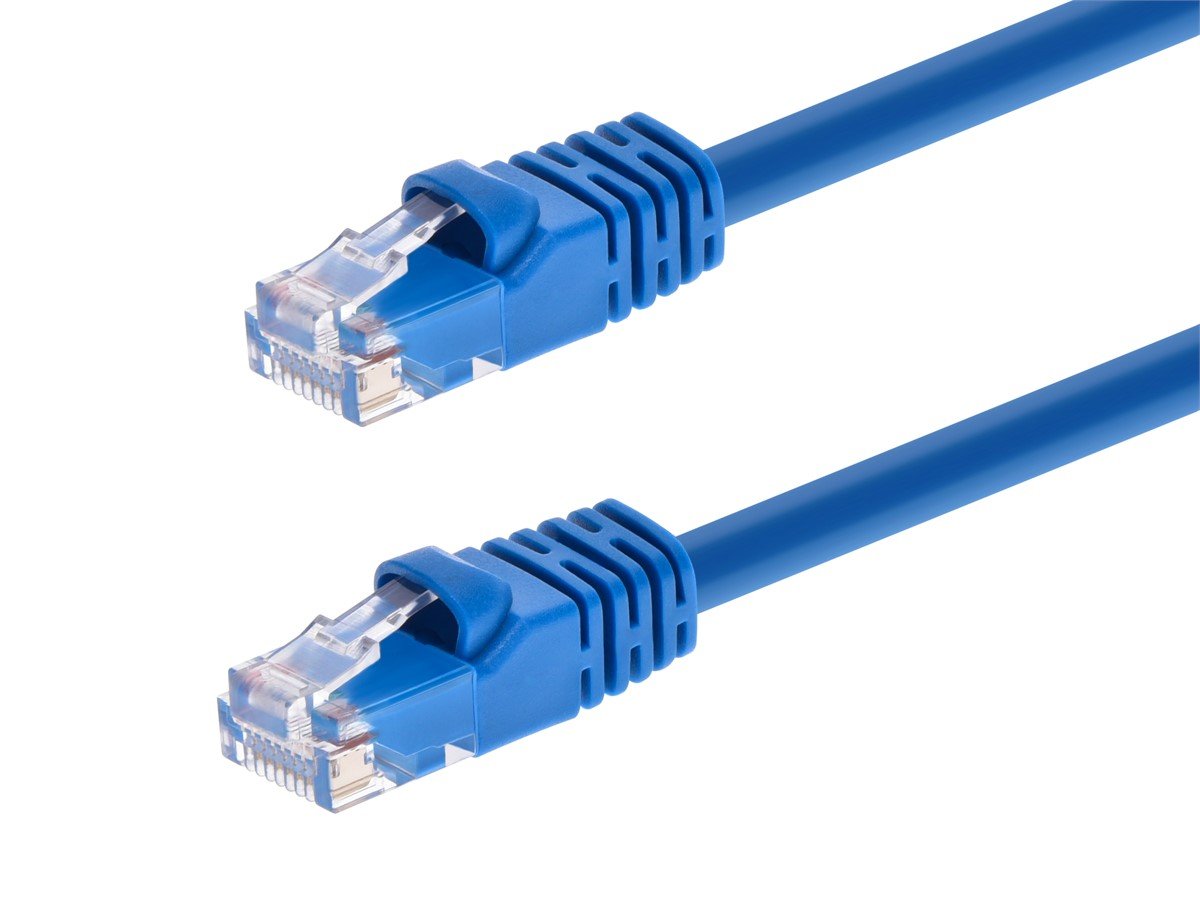
Ethernet cables such as Cat5e, Cat6, and Cat6A are used for wired networking and carry data between devices on a local network or between a router and a modem. Coaxial cables are used for cable television, antenna connections, and some broadband internet setups, built with a center conductor, insulating layer, and braided shield. HDMI cables carry high-definition audio and video signals between displays and source devices, supporting formats up to 8K depending on the version. USB cables transfer data and power between computers, peripherals, and charging devices, with multiple generations affecting speed. Fiber optic cables use light instead of electrical signals to carry data at very high speeds over long distances. Power cables deliver electrical current from a source to a device, with gauge and rating determining safe load capacity.
What Does Grounding Mean in a Technology Context?
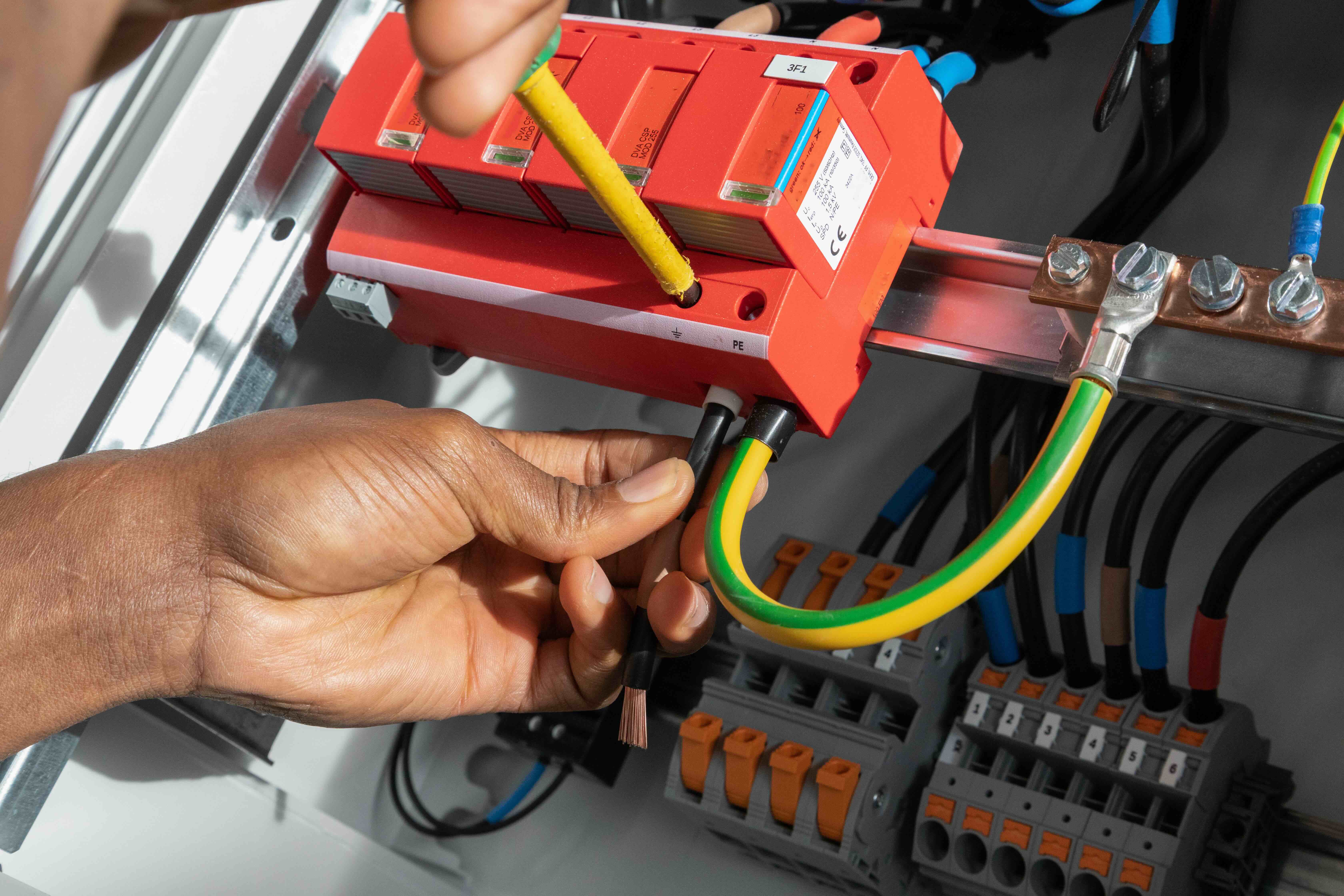
Grounding is the process of connecting an electrical system to the earth, or to a common reference point, so that excess voltage has a safe path to travel. In practical terms, it is what prevents a surge from frying your equipment. It is also what stops interference from degrading your signal quality and what keeps users safe from electrical shock. A properly grounded system has a stable reference voltage, which allows all the components within that system to communicate accurately and operate without noise. Without grounding, small voltage differences can build up between pieces of equipment, and that creates a phenomenon called a ground loop, which is one of the most common causes of hum, noise, and interference in audio and video setups.
Why Grounding Matters for Signal Quality
Here is something that surprises a lot of people. Grounding is not just a safety measure. It directly affects the quality of the signal moving through your cables. In professional audio, video, and networking environments, improper or inconsistent grounding introduces noise that can manifest as hum in speakers, flickering in displays, or unstable network connections. A ground loop, which occurs when two pieces of equipment are connected but grounded at different voltage levels, is notorious for causing a persistent 60Hz hum in audio systems. In networking, poor grounding can increase electromagnetic interference, leading to data errors and reduced throughput. Getting grounding right is not optional in any installation where performance and reliability are expected.
Key Advantages of Quality Cables and Proper Grounding
Investing in well-built cables and a properly grounded system pays off across every use case, whether that is a home entertainment room, a commercial AV installation, or a server room supporting an enterprise network. The advantages are measurable and consistent.
Signal integrity is preserved over longer runs when cables are properly shielded and terminated. Electrical safety is dramatically improved when systems are correctly grounded, reducing the risk of shock and equipment damage during power surges. Reduced interference means cleaner audio, sharper video, and more stable data connections. System longevity improves because equipment is not subjected to the gradual stress caused by voltage irregularities. Troubleshooting becomes faster when cables are labeled, managed, and grounded consistently, since noise and performance issues can be traced and resolved without guesswork.
Common Drawbacks and Mistakes to Watch For
Even experienced installers make mistakes in this area. The most common one is cutting corners on cable quality. A low-quality cable might test fine out of the box but degrade faster, add resistance, or fail to maintain shielding integrity over time, especially in environments with heat, mechanical stress, or chemical exposure. Another mistake is ignoring cable management, which leads to bundling high-voltage power cables directly alongside data cables, which introduces interference. On the grounding side, daisy-chaining ground connections through multiple devices rather than running each back to a single ground point is a common source of instability. Over-tightening cable connectors, using the wrong gauge for the power load, and skipping cable testing after installation are all errors that show up often in professional and DIY settings alike.
Practical Tips for Choosing and Installing Cables
Getting this right does not require an electrical engineering degree. A few practical habits make a significant difference in the long run. Match the cable type to the application rather than choosing based on price alone. Use shielded cables in environments with high levels of electromagnetic interference, such as near motors, HVAC equipment, or fluorescent lighting. Run power and data cables on separate paths where possible. Always use the correct connector and termination method for the cable type. Test cables with appropriate tools before closing up walls or cable trays. And when building or upgrading any system with multiple grounded components, take the time to verify that all ground paths lead back to a single, stable reference point. That last step alone eliminates the majority of ground loop problems before they start.
How Cable Standards and Ratings Protect Your Investment
Cable standards exist for good reason. Organizations like the TIA, IEEE, and UL develop specifications that define how cables must perform across temperature ranges, bend radii, data rates, and fire safety categories. When a cable carries a legitimate rating, it has been tested and verified to meet those requirements. Plenum-rated cables, for example, are required in air-handling spaces because they emit less toxic smoke in a fire. CMP, CMR, and CM ratings define where a cable can be safely installed in a building. In networking, Cat6A cables rated for 10-gigabit Ethernet are tested to reduce alien crosstalk at higher frequencies. Paying attention to these ratings is not just about compliance. It is about knowing the product you are buying will actually do what it claims under the conditions you are deploying it in.
Why Monoprice Is the Smart Choice for Cables and Grounded Technology Solutions
When it comes to sourcing cables and connectivity products that deliver real performance without overpaying, Monoprice has spent years building a reputation that professionals and consumers both rely on. The product line covers everything from Cat6 and Cat6A Ethernet cables to HDMI 2.1 cables supporting 8K resolution, coaxial cables, USB-C solutions, and power accessories built with the right ratings for the right environments. Every product is engineered with the specs that matter and priced so that budget constraints do not force compromises on quality. For anyone building out a network rack, upgrading a home theater, or sourcing infrastructure for a commercial installation, high-performance cables and grounding solutions from Monoprice represent one of the most value-driven decisions available in the market today. The combination of verified standards compliance, consistent build quality, and accessible pricing makes Monoprice a trusted partner for integrators, IT professionals, and first-time buyers alike.
Frequently Asked Questions About Cables and Grounding in Technology
What is the difference between a shielded and an unshielded cable?
A shielded cable has a conductive layer, typically foil or braided wire, wrapped around the inner conductors to block electromagnetic interference from entering or leaving the cable. An unshielded cable lacks this layer and is more susceptible to interference, making it less suitable for environments with heavy electrical noise.
Does cable length affect signal quality?
Yes. Longer cables introduce more resistance and signal attenuation. Each cable type has a maximum rated length for reliable performance, such as 100 meters for standard Ethernet runs. Exceeding these limits can result in data errors, signal degradation, or complete connection failure.
What causes a ground loop and how do you fix it?
A ground loop occurs when two connected devices share a ground connection but are referenced to different voltage potentials, creating a current path that introduces noise. The most common fix is using a ground loop isolator, ensuring all equipment shares a single ground reference point, or using balanced audio connections.
Is a more expensive HDMI cable actually better?
Not necessarily. HDMI is a digital signal, meaning it either works or it does not at a given resolution and frame rate. A well-constructed cable rated for the required specification, such as Ultra High Speed for 8K, will perform the same as a far more expensive alternative. The cable must meet the spec, but beyond that, price does not equal performance.
What does cable gauge mean and why does it matter?
Cable gauge refers to the thickness of the conductor, expressed as a numerical rating such as AWG. Lower AWG numbers indicate thicker conductors, which can carry more current with less resistance. Choosing the wrong gauge for a power application can result in overheating, voltage drop, or fire risk.
Can I use Cat5e cable for a 10-gigabit network?
Cat5e is rated for 1-gigabit Ethernet over standard distances. For 10-gigabit speeds, Cat6 supports it at shorter runs up to 55 meters, while Cat6A supports it reliably over the full 100-meter distance. Using Cat5e for 10GbE will not deliver the required performance.
What is plenum-rated cable and when is it required?
Plenum-rated cable is designed for use in air-handling spaces such as above drop ceilings or beneath raised floors where air circulates for HVAC purposes. It is constructed with materials that produce less toxic smoke when burned. Building codes in the United States typically require plenum-rated cable in these spaces.
Does grounding affect internet or network performance?
Yes. Poor grounding can increase electromagnetic interference around networking equipment, leading to higher error rates, packet loss, and reduced throughput. Properly grounded network switches, patch panels, and rack enclosures reduce noise and contribute to more stable, consistent data transmission.
How do I know if a cable meets industry standards?
Look for printed markings on the cable jacket that indicate certification, such as UL Listed, ETL Verified, or specific category ratings like Cat6A. Legitimate ratings mean the cable has been independently tested and verified to meet the performance and safety specifications defined by the relevant standards organizations.
What is the most common cable mistake in home theater setups?
Running power cables and signal cables together in the same bundle is one of the most frequent mistakes. Power cables generate electromagnetic interference that couples into nearby signal cables, causing noise and degraded performance. Keeping them physically separated, even by a few inches, significantly reduces this problem.