

Are Ethernet Splitters Worth It or Should You Use a Switch?
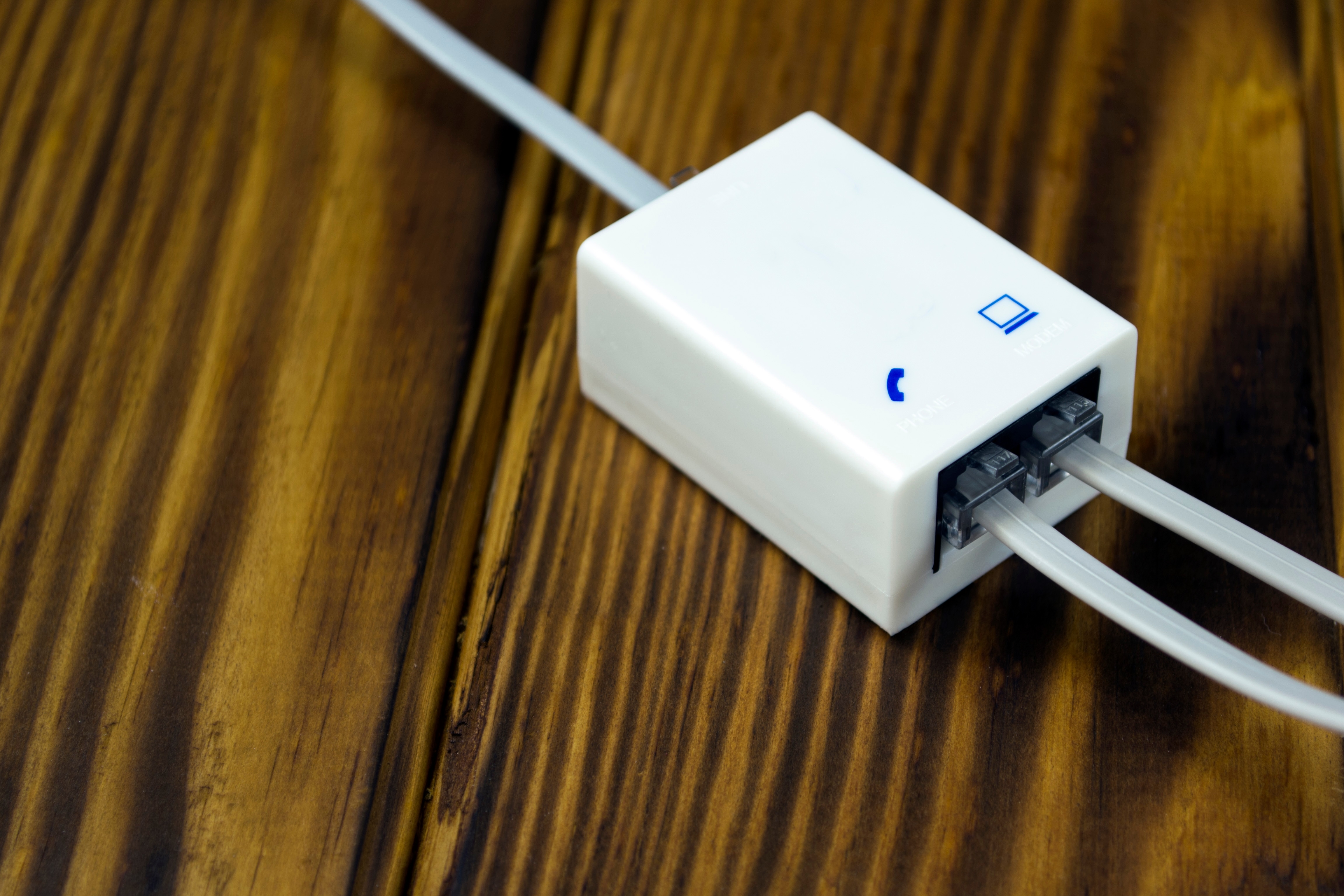
Ethernet Splitters vs. Network Switches: What You Need to Know Before You Buy
So you have one Ethernet port and two devices that need a wired connection. Makes sense that you would reach for a splitter, right? It seems straightforward enough. Plug it in, split the signal, done. Except it is not quite that simple. Ethernet splitters and network switches are two very different tools, and choosing the wrong one can genuinely limit your network performance in ways you might not immediately notice. This article breaks down exactly how each option works, what the real trade-offs are, and when one makes more sense than the other. Whether you are setting up a home office or wiring up multiple rooms, this is worth a quick read before you order anything.
What Is an Ethernet Splitter and How Does It Actually Work
An Ethernet splitter is a passive device, meaning it has no internal power source or active components. It works by taking one physical Ethernet cable and splitting the signal across two separate connectors using the unused wire pairs inside a standard Cat5 or Cat6 cable. A typical Ethernet cable has eight wires arranged in four pairs. Standard 100Mbps connections only use two of those pairs, which means an Ethernet splitter can technically carry two separate signals over a single cable run. The catch is that you need a splitter on both ends of the cable. One device sends, another receives, and the cable itself is doing double duty. It sounds clever, and in very specific setups, it is. But the limitations hit fast once you need real-world performance.
What Is a Network Switch and How Is It Different
A network switch is an active device. It has its own processing capability and manages data traffic between multiple connected devices intelligently. When you plug multiple devices into a switch, each one gets its own dedicated communication lane. The switch reads incoming data packets and routes them to the correct destination port. This is fundamentally different from a splitter, which is just redirecting raw wiring. A basic unmanaged switch typically comes with five or eight ports, draws minimal power, and can handle full-speed connections on every port simultaneously. For most home and small office environments, an unmanaged switch is the plug-and-play solution that simply works without requiring any configuration.
The Speed Problem With Ethernet Splitters
Here is where things get real. Because an Ethernet splitter shares the available wire pairs across two signals, it is limited to 100Mbps per connection at best. If your router or switch supports Gigabit speeds, that capability is immediately lost the moment a splitter enters the equation. You are capping every device on that split connection at Fast Ethernet speeds, which is 100Mbps maximum. For basic web browsing or light email use, that might not matter much. But for anyone streaming 4K content, transferring large files, gaming, or running a NAS device, this becomes a real bottleneck. A network switch, by contrast, preserves full Gigabit throughput on every port, provided you are using the right cable and a Gigabit-capable switch.
When an Ethernet Splitter Might Actually Make Sense
To be fair, there are specific situations where a splitter is not a bad call. If you have a long cable run already installed in a wall, and you just want to connect two low-bandwidth devices in a room that only has one wall port, a splitter pair can save you from running new cable. Think about situations like connecting a smart TV and a streaming device in a bedroom, or linking a printer and a desktop in a small office. If neither device needs more than 100Mbps and you are not doing anything bandwidth-intensive, the performance trade-off may be acceptable. The key word there is specific. Splitters are a niche solution, not a general-purpose networking tool.
Key Advantages of Using a Network Switch Instead
Switching to a network switch, even a basic one, offers several clear advantages that most users notice immediately. Here is a straightforward comparison of what a switch brings to the table versus a splitter.
- Full Gigabit speeds on every connected port
- No bandwidth sharing between devices
- Plug-and-play setup with no configuration required on unmanaged models
- Supports more than two devices, often five to eight or more
- Works with Cat5e, Cat6, and higher cable standards
- Does not require a second unit at the other end of the cable
- Compatible with modern routers and home networking equipment
For most setups, the switch wins on almost every metric. The only meaningful downside is that it does need to be powered, which means a nearby outlet and a small footprint on whatever surface you are working with. That is a pretty minor trade-off for the performance gain.
Common Mistakes People Make With Ethernet Splitters
One of the most common misunderstandings is thinking that an Ethernet splitter works the same way a power strip does. It does not. A power strip simply extends access to the same source. An Ethernet splitter is physically rerouting signal wires, and it requires a matching unit on the other end to function at all. People also frequently overlook the speed cap, assuming the splitter is transparent to performance when it is not. Another mistake is using splitters with Cat6a or higher cable expecting full performance. The cable rating does not matter here because the splitter itself is the limiting factor. And perhaps most importantly, many users forget that modern connections like Gigabit Ethernet simply cannot run through a splitter in any meaningful way.
Installation Tips for Either Option
Setting up a network switch or an Ethernet splitter is genuinely not complicated. A few practical points worth keeping in mind before you start either project.
- Use Cat5e at minimum for any new cable runs, Cat6 is better and widely available
- Label both ends of any cable runs you install in walls for easier future troubleshooting
- Place your switch in a central location to keep cable runs as short as possible
- If using a splitter, confirm both ends have a matching splitter unit before testing
- Avoid running Ethernet cables parallel to electrical wiring to reduce interference
- Test your connection speed after setup using a free internet speed tool to confirm performance
These steps apply whether you are wiring up a single room or a multi-room setup. Getting the physical infrastructure right from the start saves a lot of troubleshooting time later. A clean, organized cable run is always worth the extra few minutes.
Which Option Should You Actually Choose
If you are asking honestly, a network switch is almost always the better choice for the majority of users. The performance ceiling of an Ethernet splitter is too low for most modern use cases, and the requirement for two matching units adds an extra step that eliminates the simplicity advantage. The only scenario where a splitter genuinely earns its place is when cable installation is not possible, the devices in question have very low bandwidth needs, and cost is an absolute priority. In every other situation, even a basic five-port Gigabit switch delivers a more reliable, faster, and more scalable solution. The price difference between a splitter pair and an entry-level switch is often smaller than people expect, especially when you factor in the performance you are leaving on the table with a splitter.
Why Monoprice Is the Right Source for Your Networking Setup
When you are ready to build a wired network that actually performs, the gear you choose matters. Monoprice has spent years delivering high-performance networking hardware at prices that make sense for home users and IT professionals alike. Whether you need a reliable Gigabit switch, quality Cat6 patch cables, or the right accessories to finish your installation properly, Monoprice has it covered without unnecessary markup. The product lineup is built around real-world use, not spec sheets designed to impress on paper. If you are putting together a wired network for your home, office, or a client site, browse the full range of Gigabit network switches and Ethernet networking solutions at Monoprice to find exactly what your setup calls for. You get the performance you need, at a price that respects your budget, backed by a brand that understands how this equipment gets used in the real world.
Frequently Asked Questions About Ethernet Splitters and Network Switches
Do Ethernet splitters actually work?
Yes, Ethernet splitters do work, but only in very specific conditions. They require a matching splitter on both ends of the cable and cap connections at 100Mbps. They are not suitable for Gigabit networking or high-bandwidth applications.
Can I use an Ethernet splitter without a second splitter on the other end?
No. An Ethernet splitter only functions as intended when a matching unit is connected at both ends of the cable run. Using just one splitter will not split the connection and may cause connectivity issues.
Will an Ethernet splitter reduce my internet speed?
Yes. An Ethernet splitter limits your maximum connection speed to 100Mbps regardless of what your router or ISP supports. If your plan delivers Gigabit speeds, a splitter will cap your wired connection well below that threshold.
How many devices can I connect to a network switch?
That depends on the switch. Common unmanaged switches come in five-port and eight-port configurations for home use, while larger managed switches can support sixteen, twenty-four, or more ports for business environments.
Is a network switch hard to set up?
An unmanaged network switch requires no configuration at all. You simply connect it to your router with an Ethernet cable and plug your devices into the remaining ports. It handles everything automatically without any software or login required.
Does a network switch slow down internet speed?
A quality Gigabit switch does not slow down your internet connection. Each port operates independently, so one device transferring data does not consume bandwidth from another device on the same switch in most standard home networking scenarios.
What cable type do I need for a Gigabit network switch?
You need at minimum a Cat5e cable to support Gigabit speeds. Cat6 is the recommended standard for new installations as it offers better performance, reduced crosstalk, and headroom for future upgrades.
Can an Ethernet splitter support Gigabit speeds?
No. Ethernet splitters are fundamentally incompatible with Gigabit networking. They rely on repurposing unused wire pairs from the 100Mbps era and cannot support the full wire usage that Gigabit connections require.
Are Ethernet splitters worth buying for a home network?
For most home networks, an Ethernet splitter is not the best investment. Unless you have a very specific low-bandwidth use case with no option to run a new cable or add a switch, a basic network switch delivers better performance and more flexibility at a comparable or slightly higher cost.
What is the difference between a managed and unmanaged network switch?
An unmanaged switch is plug-and-play with no configuration options, making it ideal for home and small office use. A managed switch allows administrators to control traffic, set VLANs, monitor performance, and prioritize specific devices, which is better suited to business or advanced home network environments.


