Are All Ethernet Cables the Same? Not Even Close
Are All Ethernet Cables the Same? What You Actually Need to Know
Short answer: no, not even close. Ethernet cables look almost identical on the outside, same plastic connector, same general shape, so it is genuinely easy to assume they all perform the same way. But underneath that jacket, the differences in wire gauge, shielding, twist rates, and category rating can dramatically affect your network speed, signal reliability, and how far data can travel without degradation. If you have ever wondered why your internet feels slow even with a wired connection, the cable itself might actually be worth looking at. This guide breaks down what separates one Ethernet cable from another and how to figure out which one actually fits your setup.
What Is an Ethernet Cable and How Does It Work
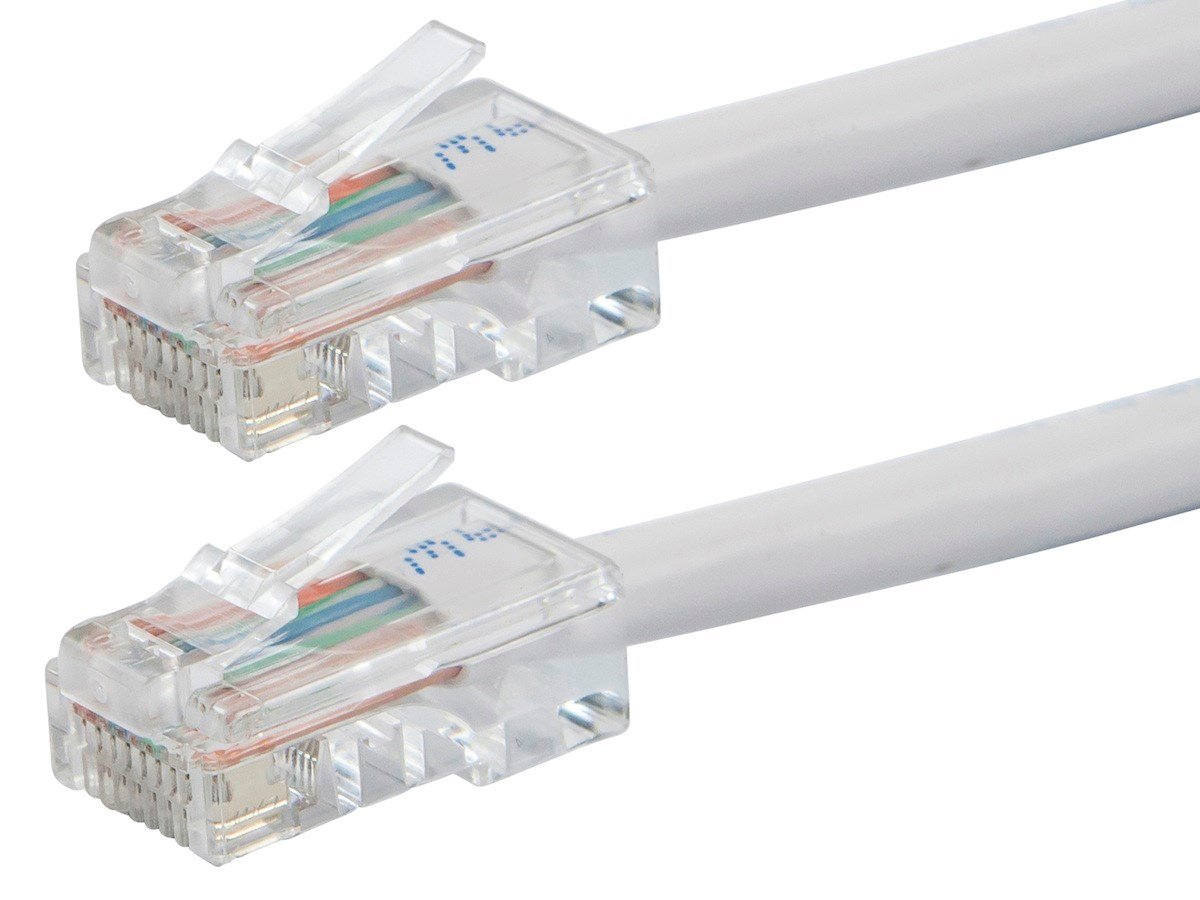
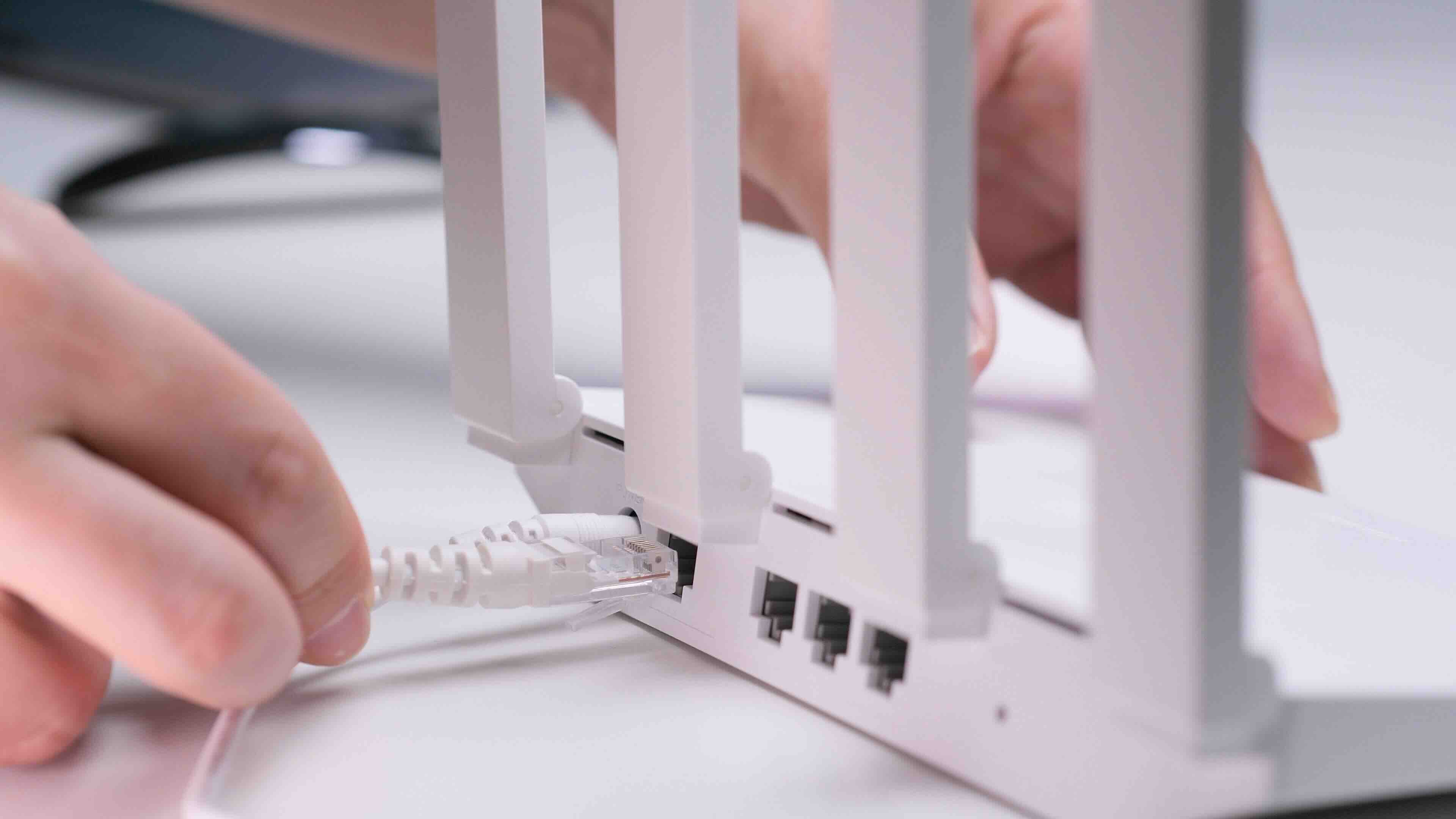
An Ethernet cable is a physical networking cable used to connect devices, things like computers, routers, switches, gaming consoles, and smart TVs, to a local area network or directly to the internet. Inside the cable you will find twisted pairs of copper wire. The twisting is intentional. It helps cancel out electromagnetic interference from neighboring pairs and from external sources. Data moves through these wires as electrical signals, and the quality of those signals is directly tied to how well the cable is constructed. Faster data rates require tighter tolerances, better materials, and in many cases, additional shielding around those twisted pairs. So yes, the cable is doing real technical work, not just physically connecting two points.
Ethernet Cable Categories Explained
The category rating, usually printed right on the cable jacket, is the clearest signal of what a cable can actually do. Each category represents a defined standard for bandwidth and transmission frequency. Here is what the most common ones offer:
- Cat5e supports speeds up to 1 Gbps and frequencies up to 100 MHz, suitable for most home networks
- Cat6 supports up to 10 Gbps over short distances and frequencies up to 250 MHz, ideal for offices and performance-focused home setups
- Cat6A supports up to 10 Gbps over full 100-meter runs with 500 MHz bandwidth, a strong choice for demanding environments
- Cat7 and Cat8 push into 40 Gbps and 25 or 40 Gbps territory respectively, typically used in data centers or high-throughput commercial infrastructure
If you are running a basic home network with standard broadband speeds, Cat5e or Cat6 will usually handle everything without issue. But if you are dealing with longer cable runs, higher bandwidth demands, or environments with significant electrical interference, stepping up to Cat6A or beyond starts making a lot of practical sense.
Shielded vs. Unshielded Ethernet Cables
This is one of the more overlooked distinctions and it actually matters more than most people realize. Unshielded Twisted Pair, commonly called UTP, is the standard for most home and small office environments. It is affordable, flexible, and perfectly reliable when interference is not a significant concern. Shielded Twisted Pair, or STP, adds a layer of metallic foil or braided shielding around the cable pairs, the entire cable, or both. That shielding reduces the impact of electromagnetic interference from things like fluorescent lights, motors, HVAC equipment, or nearby power lines. If you are running cable through walls in an older building, near industrial equipment, or in any environment where electrical noise is a real factor, shielded cable is worth the modest additional investment. The trade-off is that shielded cables are slightly less flexible and require proper grounding to be fully effective.
Solid vs. Stranded Copper Conductors
Inside the cable jacket, the copper conductors themselves come in two forms: solid and stranded. Solid copper is a single, thick wire per conductor. It handles long in-wall or in-ceiling runs well and maintains signal integrity over distance. Stranded copper uses multiple thinner wires twisted together, making the cable more flexible and better suited for patch cables, desktop connections, and anything that gets moved or bent frequently. Using solid cable as a patch cable is not ideal because repeated bending can crack the conductor over time. Getting the right type for the right application is a small detail that extends the life of your infrastructure.
Does Cable Length Affect Performance
It does, and there is a hard limit you should know about. The standard maximum for Ethernet over copper is 100 meters, roughly 328 feet, per cable run. Beyond that, signal attenuation becomes a problem and your connection can degrade or drop entirely. Within that 100-meter limit, you generally will not notice much difference in performance based on length alone, assuming the cable quality and category are appropriate for your speed requirements. Where length starts interacting with category is in the case of Cat6 at 10 Gbps, which is only reliably supported up to about 55 meters. Cat6A was specifically designed to sustain 10 Gbps across the full 100-meter distance. So if your run is long, your category choice matters more than you might expect.
Common Mistakes When Choosing Ethernet Cables
A lot of networking headaches come down to a few avoidable errors. Knowing what to watch for can save real time and frustration down the line. The most common issues include:
- Buying by price alone without checking the category or conductor material
- Using outdoor-rated cable indoors or vice versa, which affects jacket durability and safety ratings
- Ignoring shielding needs in environments with obvious interference sources
- Running solid core cable in high-flex patch applications
- Purchasing cables with copper-clad aluminum conductors instead of pure copper, which noticeably impacts performance and signal distance
That last point is worth emphasizing. Some lower-cost cables use copper-clad aluminum, often abbreviated CCA, which looks similar but delivers meaningfully worse electrical performance. If a cable does not explicitly say it uses bare copper or pure copper conductors, it is worth reading the specs carefully before committing to a bulk purchase.
Indoor vs. Outdoor and Direct Burial Ethernet Cable
Standard Ethernet cable is not built for outdoor exposure. UV radiation, moisture, and temperature swings will degrade the jacket and conductors over time. If you are running cable between buildings, along the outside of a structure, or underground, you need cable rated for that specific use. Outdoor-rated cables use a UV-resistant jacket. Direct burial cables go a step further with additional protection designed to handle soil contact and moisture without requiring conduit. Using the wrong cable outdoors is one of those decisions that seems fine until it is not, and by then the cable is inside a wall or buried in the ground.
Why Monoprice Is the Right Source for Ethernet Cables
Once you understand what separates a capable cable from one that just looks the part, the sourcing decision becomes a lot clearer. Monoprice has built a well-earned reputation for offering high-quality networking cables across every major category, from Cat5e and Cat6 to Cat6A and Cat8, all with clearly labeled specs, honest materials disclosure, and pricing that does not punish you for buying at scale. Whether you are a homeowner running a single cable through the wall or a network integrator speccing a multi-floor commercial installation, the depth of options at Monoprice high-performance Ethernet and networking cables covers virtually every scenario without forcing you to overpay for performance you do not need. The catalog includes shielded and unshielded options, solid and stranded conductors, indoor and outdoor-rated jackets, and bulk cable by the foot for custom-length runs. That kind of selection, paired with the transparency to actually understand what you are buying, is what makes Monoprice a go-to for both individual buyers and procurement teams working against a real budget.
Frequently Asked Questions About Ethernet Cables
Are all Ethernet cables compatible with the same devices?
Yes, all standard Ethernet cables use the same RJ45 connector and are physically compatible with routers, switches, computers, and other networking devices regardless of category. The category determines speed and bandwidth capability, not compatibility.
What is the difference between Cat6 and Cat6A?
Cat6 supports 10 Gbps speeds up to approximately 55 meters. Cat6A supports the same 10 Gbps speed across the full 100-meter standard run and operates at 500 MHz compared to Cat6's 250 MHz, making it more suitable for longer, higher-demand installations.
Does a more expensive Ethernet cable always mean better performance?
Not necessarily. Performance is determined by category rating, conductor material, and shielding, not price alone. A clearly labeled Cat6 cable with pure copper conductors from a reliable manufacturer will consistently outperform a vaguely specced premium-priced cable using copper-clad aluminum.
What does shielding actually do in an Ethernet cable?
Shielding reduces the impact of electromagnetic interference from external sources like power cables, industrial equipment, and lighting systems. It helps maintain signal integrity in environments where unshielded cable would experience noise-related degradation.
Can I use Cat8 cable for a home network?
Technically yes, but it is generally unnecessary for residential use. Cat8 is engineered for data center applications requiring 25 to 40 Gbps speeds. For home networks, Cat6 or Cat6A provides more than enough performance at a much more practical price point.
What is copper-clad aluminum and should I avoid it?
Copper-clad aluminum, or CCA, uses an aluminum core with a thin copper coating. It has higher resistance than pure copper, which reduces signal quality over distance and limits performance. For reliable network infrastructure, bare copper conductors are the recommended choice.
How long can an Ethernet cable run before signal degrades?
The standard maximum run for copper Ethernet cable is 100 meters, or about 328 feet. Beyond that, signal attenuation becomes problematic. Switches, media converters, or fiber can be used to extend runs beyond that limit.
Is outdoor Ethernet cable necessary for runs along the outside of a building?
Yes. Standard indoor Ethernet cable jackets are not rated for UV exposure or moisture. Outdoor-rated cable uses a more durable jacket that resists environmental degradation, extending the life of the installation significantly.
What is the difference between solid and stranded Ethernet cable?
Solid core cable uses a single thick conductor per wire, making it better for fixed in-wall or in-ceiling runs. Stranded cable uses multiple thinner wires twisted together, offering greater flexibility and durability for patch cables and desktop connections that get moved regularly.
Do Ethernet cable categories affect internet speed?
They can, particularly if your current cable category is rated below your actual internet or network speed. If you have a multi-gigabit internet plan and are using an old Cat5 cable, the cable becomes the limiting factor. Matching your cable category to your actual throughput needs ensures the cable is not the bottleneck.